01What happens in the Christmas Wreath Swing portrait trend
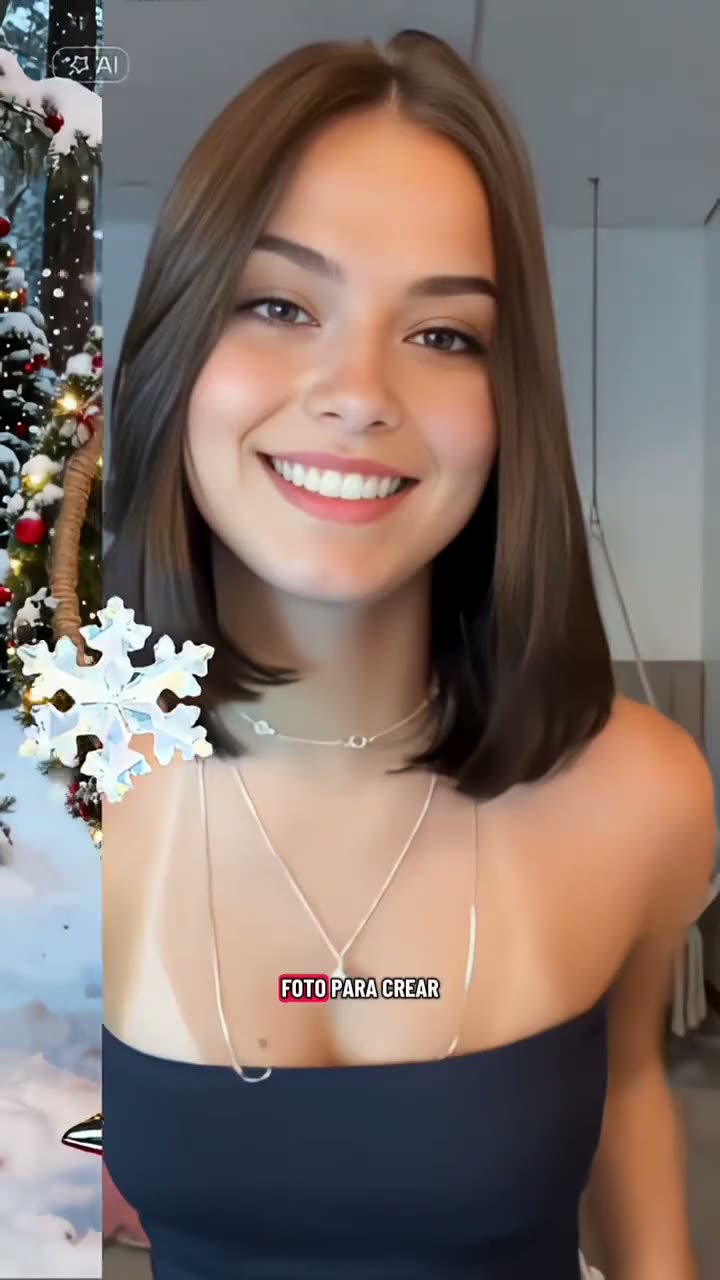
Christmas Wreath Swing Portrait places one adult inside a large decorated ring in a snowy forest. Small lights trace the wreath, and the seated portrait fills its center. The linked TikTok by @isolde3292 shows the holiday look. It is a still-photo effect on AI Trend Club, not a moving swing video.
The circular wreath frames the person, while the snowy forest and lights make the result read as a seasonal image. The page describes the edited result as an AI image rather than a real portrait session in that setting. The creator post is linked as a public example; the page does not claim that this creator originated the wider format.
| Scene detail | What the reference shows |
|---|---|
| Portrait | One adult seated inside a large decorated wreath ring. |
| Setting | A snowy forest behind the person. |
| Lights | Small lights and holiday decorations frame the portrait. |
02How to make the Christmas Wreath Swing AI photo from one portrait
Open the trend page and choose the image editor. The page carries the holiday prompt into the editor, so there is no need to write it from scratch. Add one clear full-body adult portrait, confirm that you have permission to edit it, and review the prompt and displayed credit price before you submit.
The editor creates one still image. It does not make a moving swing clip. The current image edit uses 5 credits, and the amount appears before you submit. When the result is ready, inspect the person, wreath and winter setting before you save or share the image.
- Open the trend pageReview the linked reference and the snowy wreath scene.
- Open the image editorUse the page button to carry its holiday portrait prompt into the editor.
- Add one adult photoChoose one clear full-body portrait with the face visible and confirm you have permission to edit it.
- Review the prompt and priceCheck that it describes a seated portrait inside a circular wreath in a snowy forest. The current edit price is 5 credits.
- Create and inspectSubmit one edit, then check the person, wreath, lights and winter background before sharing.
03Choose a full-body portrait with the face visible
The page asks for one clear full-body portrait of an adult with the face visible. That photo guides the person who sits inside the ring. Use a picture you have permission to edit. A separate photo for another role is not needed because the scene has one person.
If the person is hard to recognize after the edit, the page suggests using a clear portrait with the face visible. The composition can also change. The fix is to keep the circular wreath, small lights and snowy forest in the prompt. Check the finished still image before you decide to post it.
- One clear full-body adult portrait
- The face visible in the photo
- A photo you have permission to edit
- One person for the seated portrait
- A final review of the person and wreath
04Review the included Christmas Wreath Swing prompt
The trend page includes an image prompt for the editor. It asks for one full-body holiday portrait with the same person seated inside a large circular wreath in a snowy forest. Small lights and seasonal greenery decorate the ring. You can read the wording before submitting the image edit.
This is a prompt for one still image. It does not ask the editor to animate a swing or create a video. If you try the composition in another image tool, keep the wreath circular, keep the person seated inside it, and retain the snowy forest and small lights from the source description.
Use the uploaded adult portrait as the identity reference. Create one full-body holiday portrait with the same person seated inside a large circular Christmas wreath swing in a snowy forest. Decorate the ring with small lights and seasonal greenery. Keep the person recognizable, seated within the ring, and lit by the soft glow of the decorations. Preserve a natural full-body pose and a winter evening atmosphere. Make one still image, not a video. Add no extra people, words, logos, or watermark.05AI holiday photo or a moving video?
The Christmas Wreath Swing page makes one edited still image. The word “swing” describes the circular seat in the portrait, not an animation in the editor. If you need a moving clip, this image page does not provide it. The page’s output is a seasonal portrait with a person seated inside a decorated ring.
A video template arranges moving footage. This image workflow edits one photo using the included prompt. Open the trend page to make the still portrait, then review the image before you share it. Do not describe the generated picture as a real portrait session in the snowy forest.
06How much does a Christmas Wreath Swing edit cost?
You can read the trend page and view the reference without using image credits. The edit itself uses 5 credits. A new account starts with 25 welcome credits, which is enough for five edits at the current price if the full balance remains available. The editor displays the price before you submit.
The current Week pass is $6.99 for 800 credits. The 1,000 credits pack costs $9.90. Those products are shared credit options for the site. You do not have to buy a product if your available balance already covers the edit. Check the current amount shown in the editor before creating the image.
| Option | Price | Credits |
|---|---|---|
| One image edit | Included in balance | 5 |
| Week pass | $6.99 | 800 |
| 1,000 credits | $9.90 | 1,000 |
07Share a seasonal wreath portrait
The wreath acts as a frame around the seated portrait. Snow and small lights make the image read as a holiday scene, so it can suit a seasonal profile or greeting post. The result is an AI edit, not a real portrait session. Credit @isolde3292 and link to the reference TikTok if you mention the source look.
Keep the caption close to the image: a circular wreath, winter lights, or a snowy forest portrait. The examples below describe the scene without claiming that the image records a real location or event.
- A winter portrait framed by wreath lights.
- A snowy forest, a wreath, and one holiday portrait.
- A seasonal portrait inside a ring of lights.
08Questions
- What is Christmas Wreath Swing Portrait AI?
- It is a still holiday portrait of one adult seated inside a decorated wreath ring in a snowy forest.
- How many photos do I need?
- Use one clear full-body adult portrait with the face visible.
- Does it make a moving swing video?
- No. The image editor creates one still image.
- Which AI makes the Christmas Wreath Swing portrait?
- The trend page opens the AI Trend Club image editor with its holiday prompt. The current price metadata names GPT Image.
- Who posted the reference?
- The selected TikTok is by @isolde3292. The page links to that post as a public example.