01Short answer
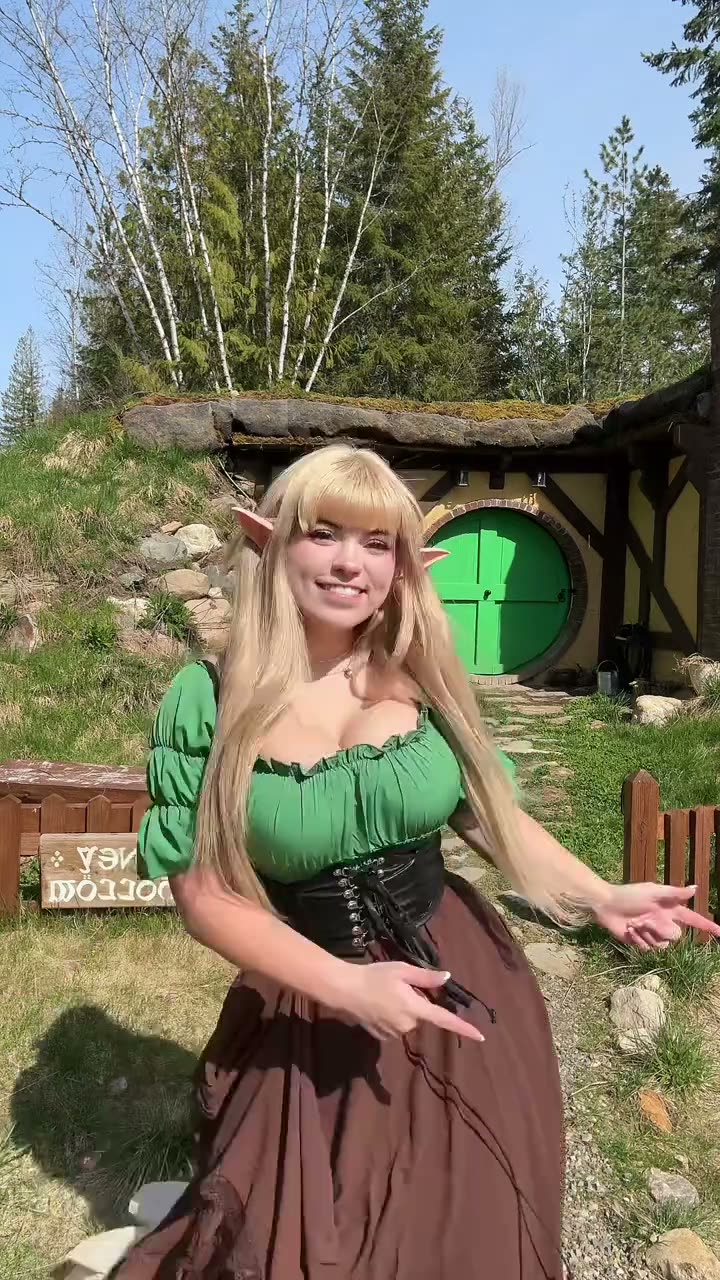
You do not need to install an app: AI Trend Club runs in the browser. Open the Elf Dance trend, upload one clear photo, and you or your pet take the place of the pointed-ear dancer in a 15-second vertical clip. It starts from $6.99 with no prompt.
02Step by step
- Open the trendGo to the Elf Dance page on AI Trend Club and press the create button.
- Add one clear photoUpload a sharp, front-facing photo of yourself or your pet.
- Check the price and startThe price shows before you pay; no prompt is needed.
- Download and postThe video is ready in minutes. Add the trend sound in TikTok, Reels or CapCut if you want it.
03At a glance
| Photo | Result |
|---|---|
| One person or pet, facing the camera | Best likeness |
| Group photo or sunglasses | Weaker likeness |
| Blurry or dark photo | Details get lost |
04Questions
- Does it work for kids?
- Use a photo you have permission to use. For children, only upload photos of your own child or with the parents' consent.
- Do I need a costume?
- No. The video keeps the elf look of the original clip.
- Can I post it for the Elf Dance challenge?
- Yes, download the video and add the trend sound on TikTok or Reels.