01Short answer
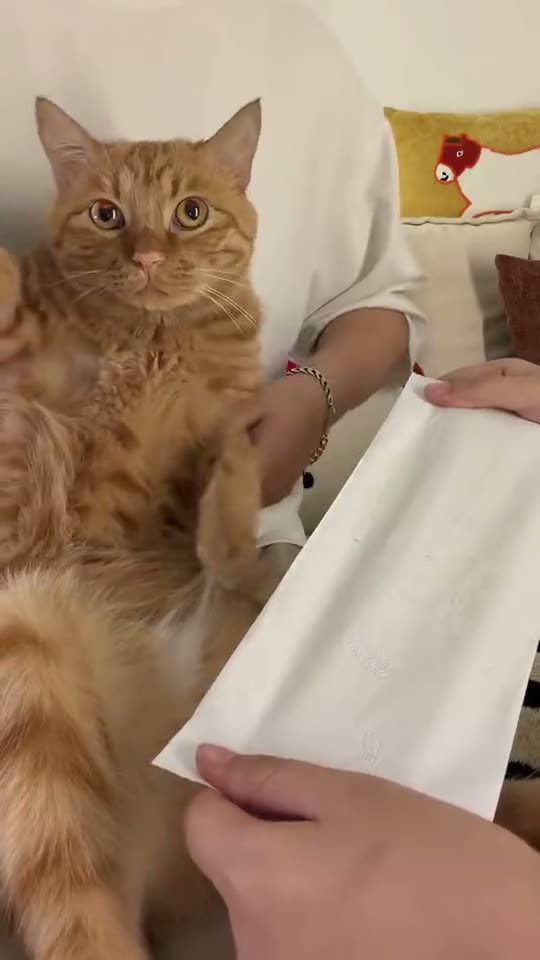
Open the Kung Fu Cat trend on AI Trend Club, press Create your own, and upload one photo of your cat, dog or yourself. You do not write a prompt. The 9-second video is ready in minutes at 480p, and 720p is optional.
02Step by step
- Open the trendGo to the Kung Fu Cat page at /trends/kung-fu-cat and watch the original clip.
- Press Create your ownThis opens the maker at /trends/kung-fu-cat/create.
- Upload one photoChoose a clear photo of your pet or yourself that you have permission to use.
- Pay and waitPay by PayPal or card with a one-time pack, then wait a few minutes for the video.
03At a glance
| Item | Detail |
|---|---|
| Photos needed | One |
| Clip length | 9 seconds |
| Default quality | 480p, with 720p optional |
| Credits at 480p | 415 |
| Prompt | Not needed |
04Questions
- Do I need to write a prompt?
- No. You pick the trend and upload one photo.
- Can I use my pet?
- Yes. The role is a kung fu pet, and you can use a cat, a dog or yourself.
- Does the original audio stay?
- Yes. The original audio remains intact in the 9-second clip.
- What if the video fails?
- Credits come back if a video fails.