Photo trendOriginal posted Nov 12, 2026
Black and White Wet Face Portrait AI Photo Trend
A portrait in shadow and water.
Use one adult portrait to make a still, high-contrast black-and-white close-up with wet hair and realistic water droplets. The existing image editor makes one new picture, not a video, and small visual details may vary.
- 1 photo you add
- AI-edited still image
- Edit prompt included
One AI-edited still image · 5 credits · free with a new account, which starts with 25
One photo · prompt included · AI-edited still image
What the original shows
The linked TikTok post by @odessaraeperez shows a close-up portrait with wet hair, visible water droplets and a high-contrast black-and-white finish. This page adapts the still-image look to the existing image editor; the original post remains the creator’s work. Watch the original post
Also calledwet look portrait aiblack and white water droplets facewet hair high contrast portraitblack and white wet face portrait ai
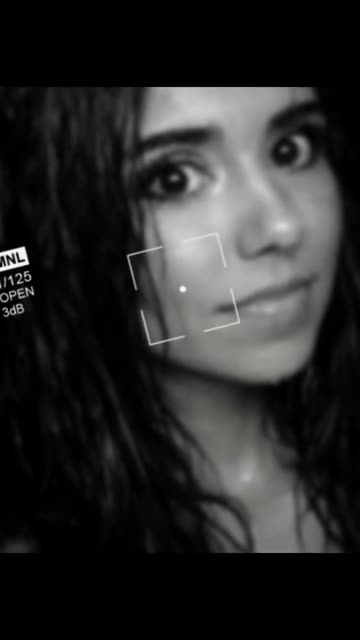 0:00
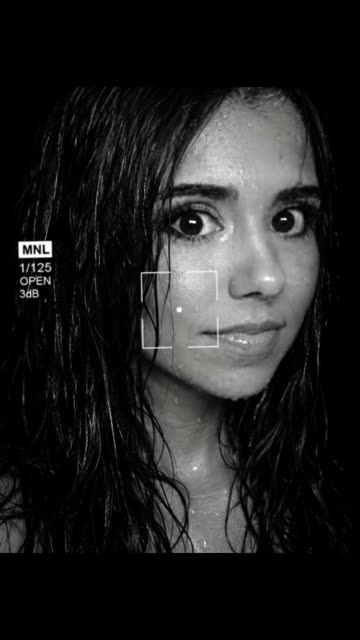 0:02
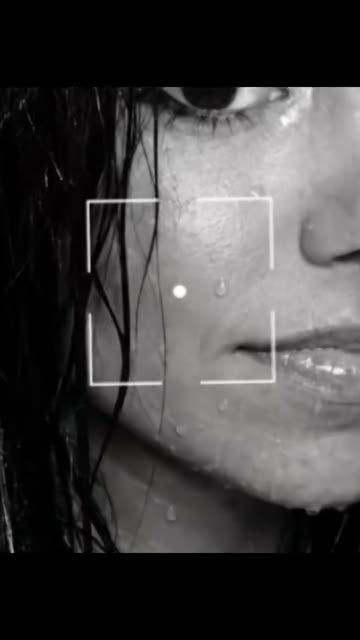 0:04
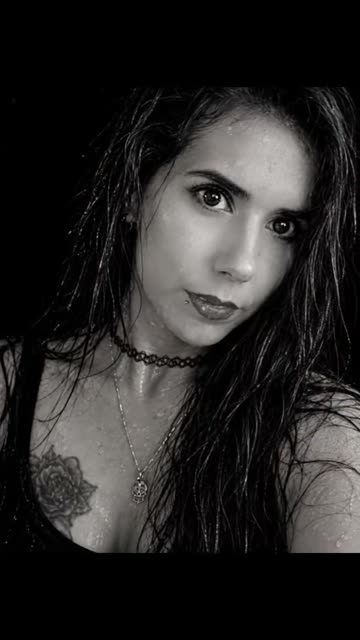 0:06
Make the still image
- 01
Choose a photo
Upload one clear adult portrait you have permission to edit.
Open the image editor - 02
Review the edit prompt
The prompt is filled in for you. You can change its wording before you create the image.
Review the prompt - 03
Create and save
The image editor shows the 5-credit price before you submit. Your result is a still image, not a video.
Create your image
Where the idea came from
The linked TikTok post by @odessaraeperez was posted on Nov 12, 2026. It shows a short demonstration of a close, monochrome portrait with wet hair and visible droplets.
We have not confirmed who first made the wider style. Several current template pages offer related versions, while the linked post provides a credited example.
Why people share it
The dark background, close crop and water drops give a portrait a studio-like mood without adding a separate scene.
It suits someone who wants a stylized still photo. The result is AI-edited and should not be presented as an untouched photograph.
Get a cleaner edit
Use one clear adult portrait you have permission to edit. Keep the face visible and in focus. Choose a photo with enough room around the hair.
Avoid: Do not upload a group photo. Do not cover the face with hair or objects. Do not expect the generated droplets to match the reference exactly.
The face looks different Use a sharper portrait and review the edit prompt for identity-preserving instructions.
The droplets hide the eyes Edit the prompt to keep the eyes clear and use lighter droplets.
The background is too bright Ask for a nearly black background with deep shadows.
Photo trend questions
What is the Black and White Wet Face Portrait AI photo?
It is a still portrait style with wet hair, visible droplets, strong contrast and a dark background.
How do I make this photo?
Open the image editor from the trend page, add one adult portrait, review the prompt and create one still image.
Can I use someone else’s photo?
Use a photo you own or have permission to edit. Ask the person first if the photo belongs to someone else.
Will the editor keep my face exactly the same?
The prompt asks it to preserve recognizable features, but generated details can vary. Review the image before sharing.
Who made the linked post?
The linked TikTok post is by @odessaraeperez. We have not confirmed who first made the wider portrait style.
More AI photo edits
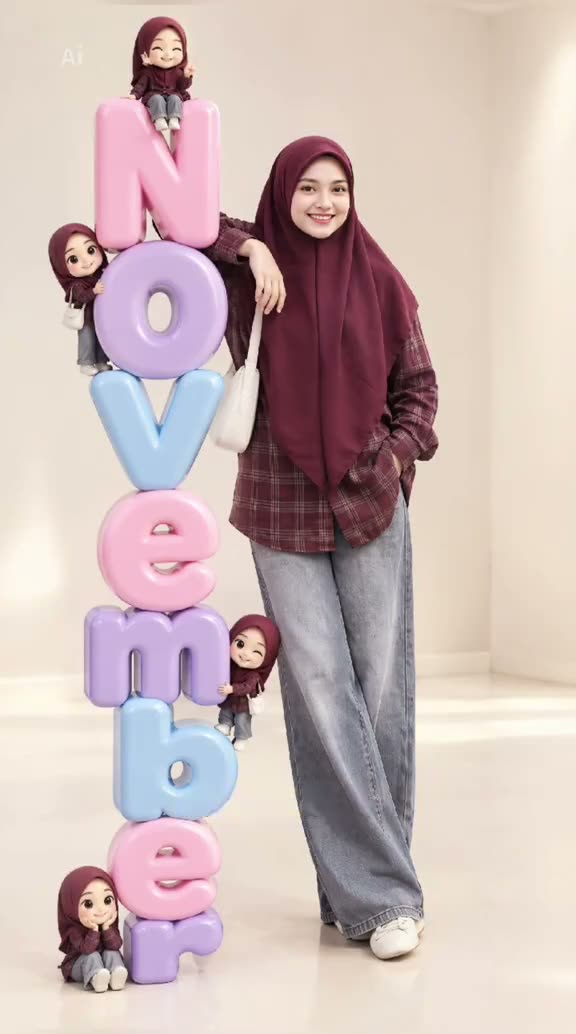 Photo trend3D Month Letters AI Photo TrendYour month, stacked in glossy balloon letters.5 credits · one photo
 Photo trendAI Text Prank Photo EditMake the picture ridiculous. Write the message yourself.5 credits · one photo
 Photo trendCouple Eye Initials AI Photo TrendTwo eyes, two initials, one close-up.5 credits · two photos
 Photo trendGreen Alien Cat AI Photo TrendTry the fuzzy alien-cat look on your pet.5 credits · one photo
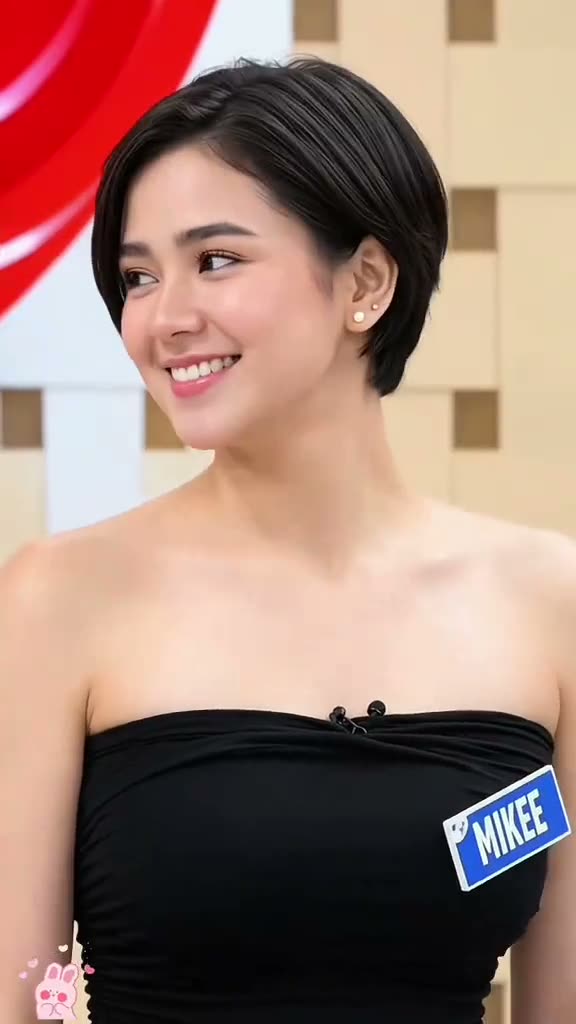 Photo trendPixie Haircut AI Filter Photo TrendPreview layered pixie hair from one portrait.5 credits · one photo
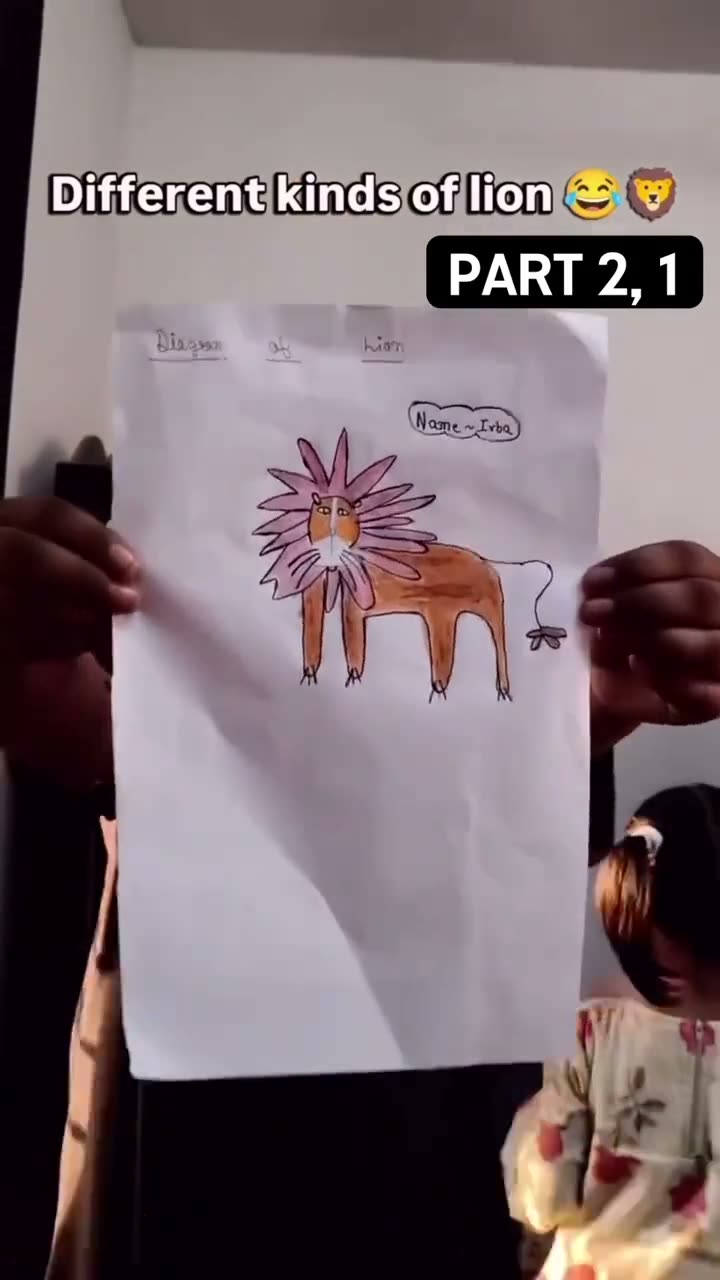 Photo trendKids Drawing to Life AI TrendTurn a hand-drawn idea into a still image.5 credits · one photo
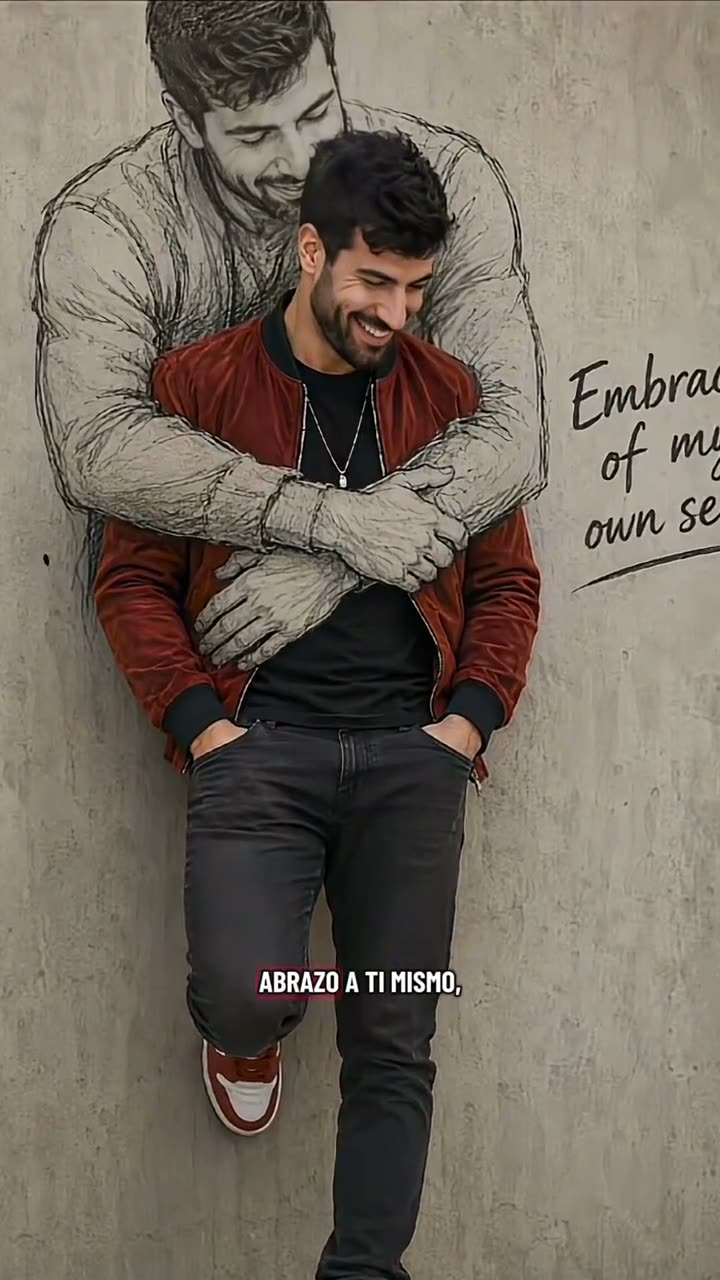 Photo trendSelf Hug Sketch AI Photo TrendA portrait beside its pencil sketch.5 credits · one photo
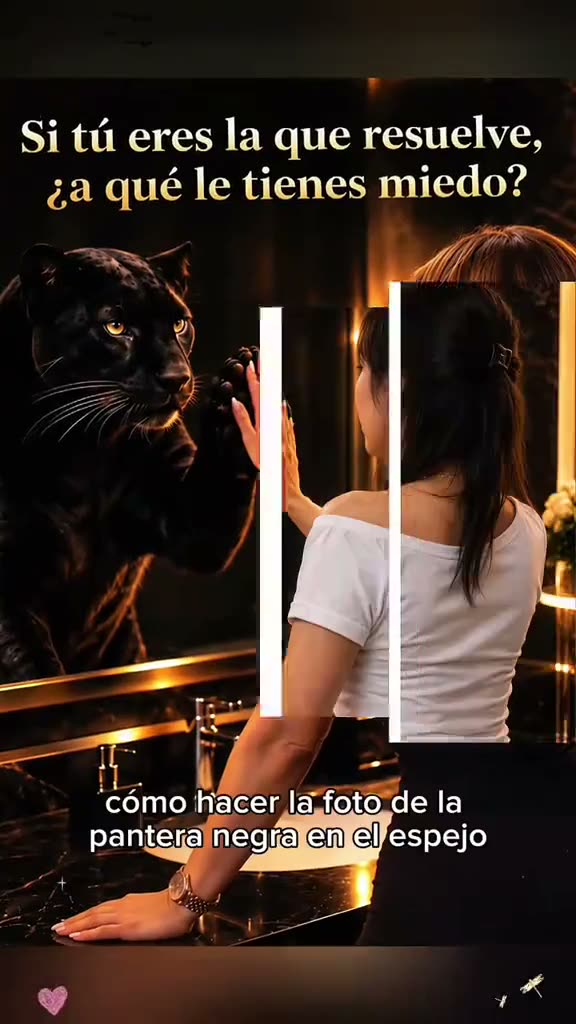 Photo trendMirror Panther AI Photo TrendMeet the panther on the other side of the mirror.5 credits · one photo
 Photo trendCouple Back Tattoo AI Photo TrendA portrait becomes an imagined tattoo.5 credits · one photo
 Photo trendSunlight Eye Portrait AI Photo TrendA strip of warm light, right across the eyes.5 credits · one photo
 Photo trendAngel Of My Dreams AI Photo TrendA pet with soft white wings.5 credits · one photo
 Photo trendMandem In Disguise AI Photo TrendOne group pose, one new disguise.5 credits · one photo
 Photo trendNine Tailed Fox Portrait AI Photo TrendA familiar portrait gets a fan of soft fox tails.5 credits · one photo
 Photo trendMermaid Portrait AI Photo TrendAn ocean portrait with a fantasy tail.5 credits · one photo
 Photo trendThanksgiving Turkey Hat Portrait AI Photo TrendA paper hat and a holiday bird.5 credits · one photo
 Photo trendAI Wedding Dress Transformation Photo TrendA portrait in a bridal look.5 credits · one photo
 Photo trendChristmas Snow Globe Portrait AI Photo TrendA portrait inside a snowy globe.5 credits · one photo
 Photo trendEgyptian Eyes Eyeliner AI Photo TrendA bold kohl line, framed in three panels.5 credits · one photo
 Photo trendLofi Dusk Filter AI Photo TrendSoft face light, with a fine dusk rim.5 credits · one photo
 Photo trendNunca Ando Sola AI Photo TrendA quiet portrait with long shadows.5 credits · one photo
 Photo trendPerdón Pet Photo Reveal AI Photo TrendA couch portrait, with a playful reveal.5 credits · one photo
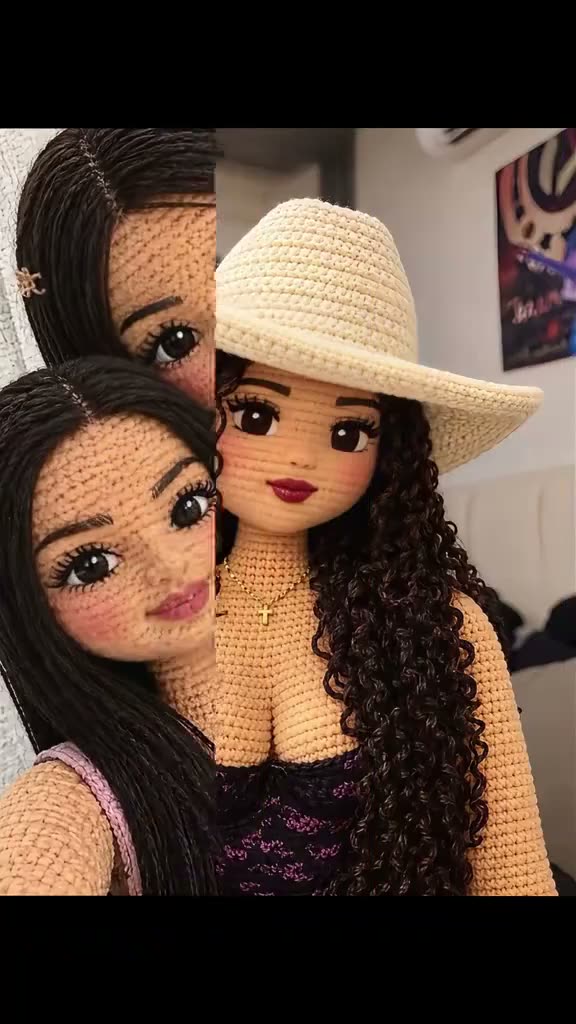 Photo trendCrochet Doll AI Photo TrendTurn a portrait into yarn art.5 credits · one photo
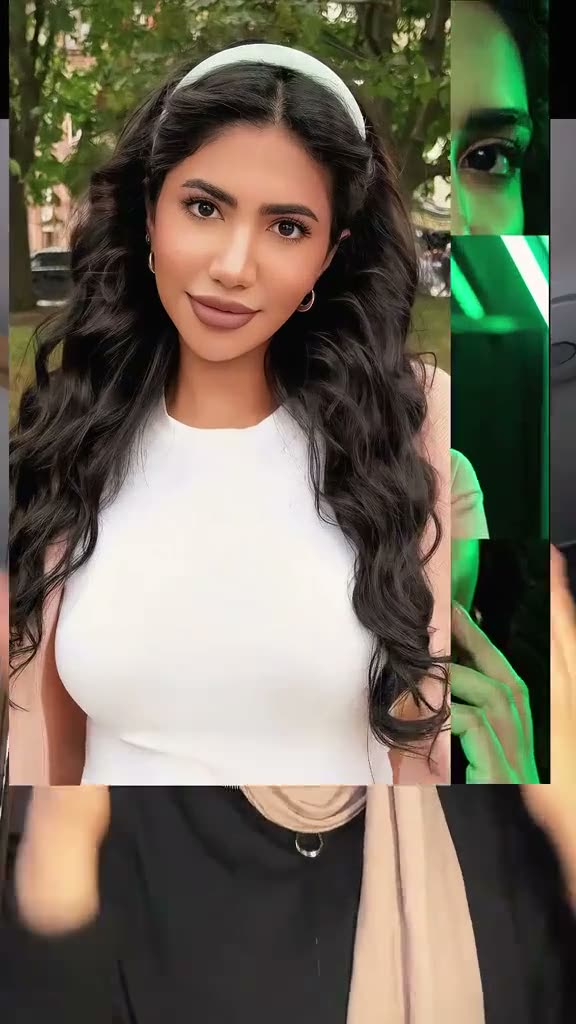 Photo trendGreen Beam Portrait AI Photo TrendOne portrait, shown through three green-lit views.5 credits · one photo
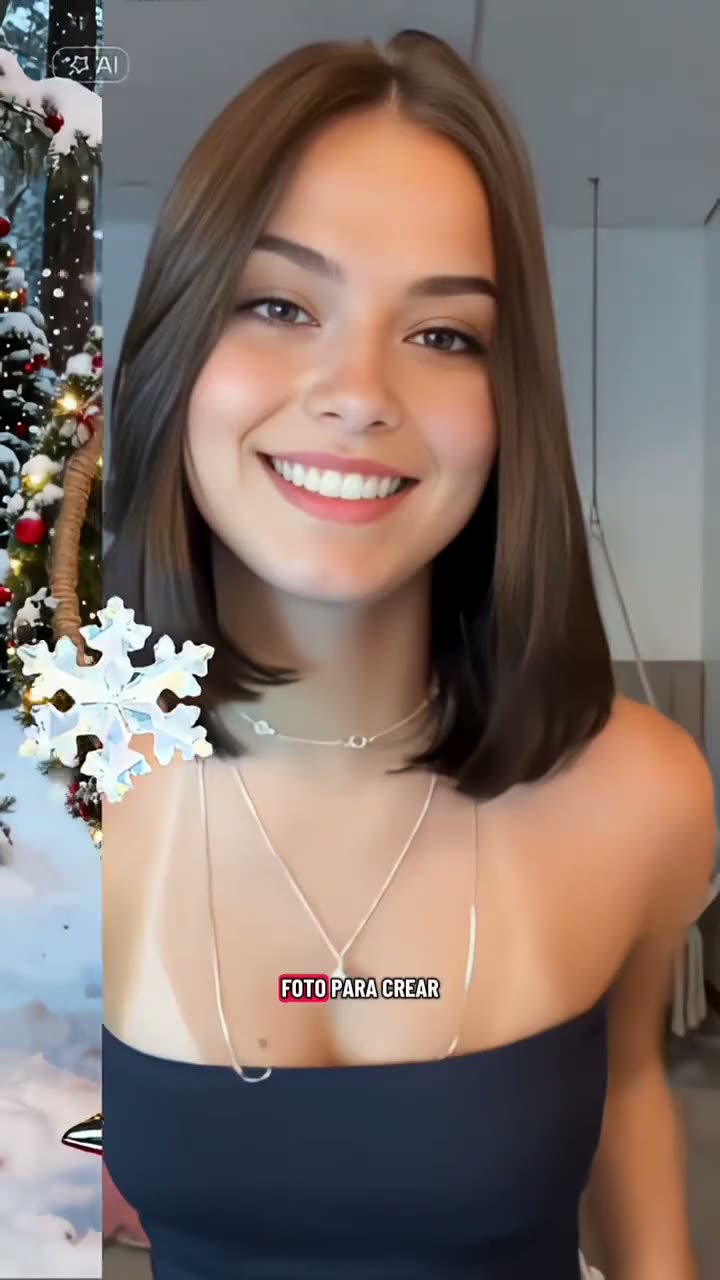 Photo trendChristmas Wreath Swing Portrait AI Photo TrendA winter portrait framed by a wreath of lights.5 credits · one photo
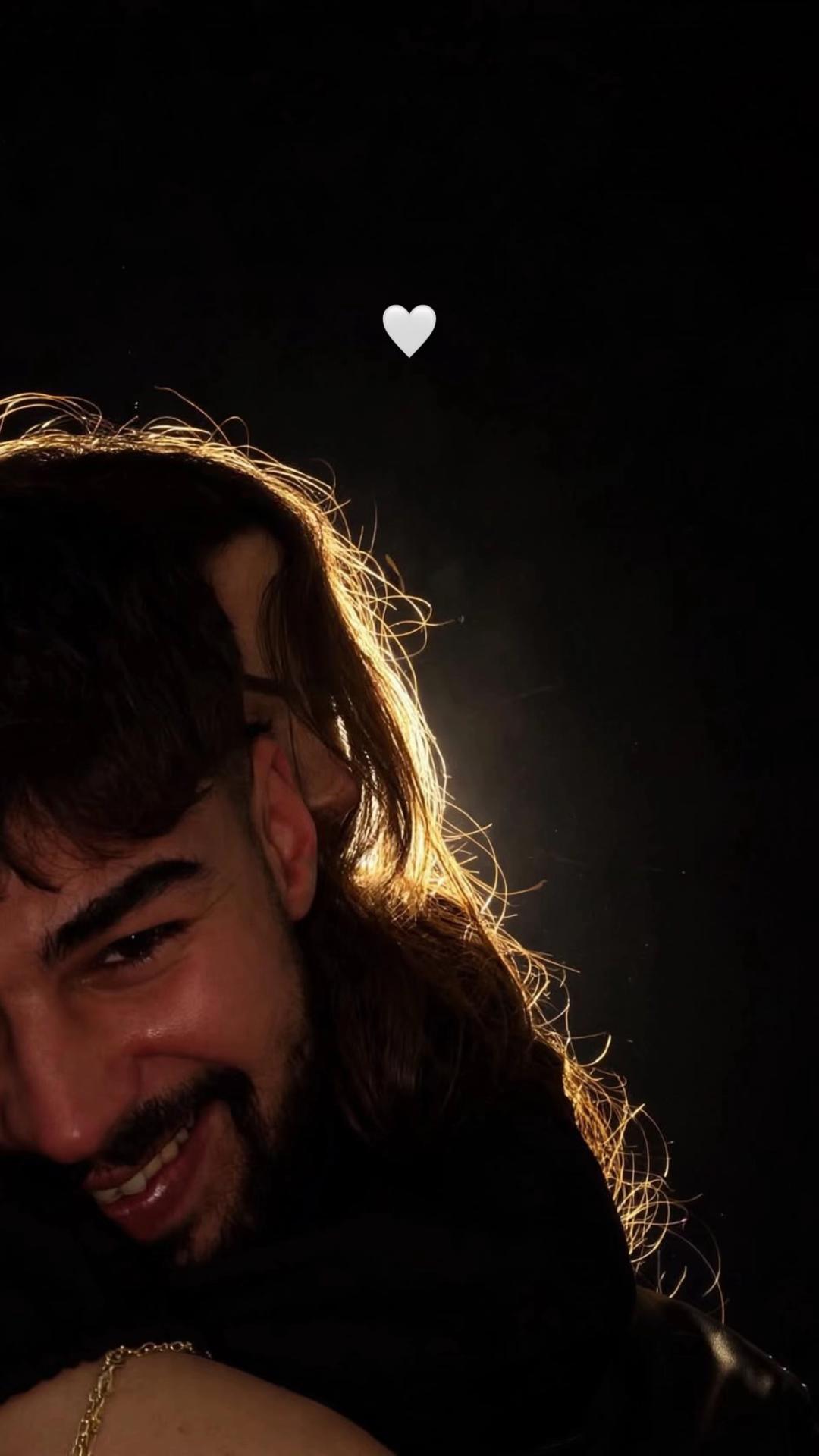 Photo trendFlash Couple Silhouette AI Photo TrendTwo faces in the dark, edged in light.5 credits · two photos
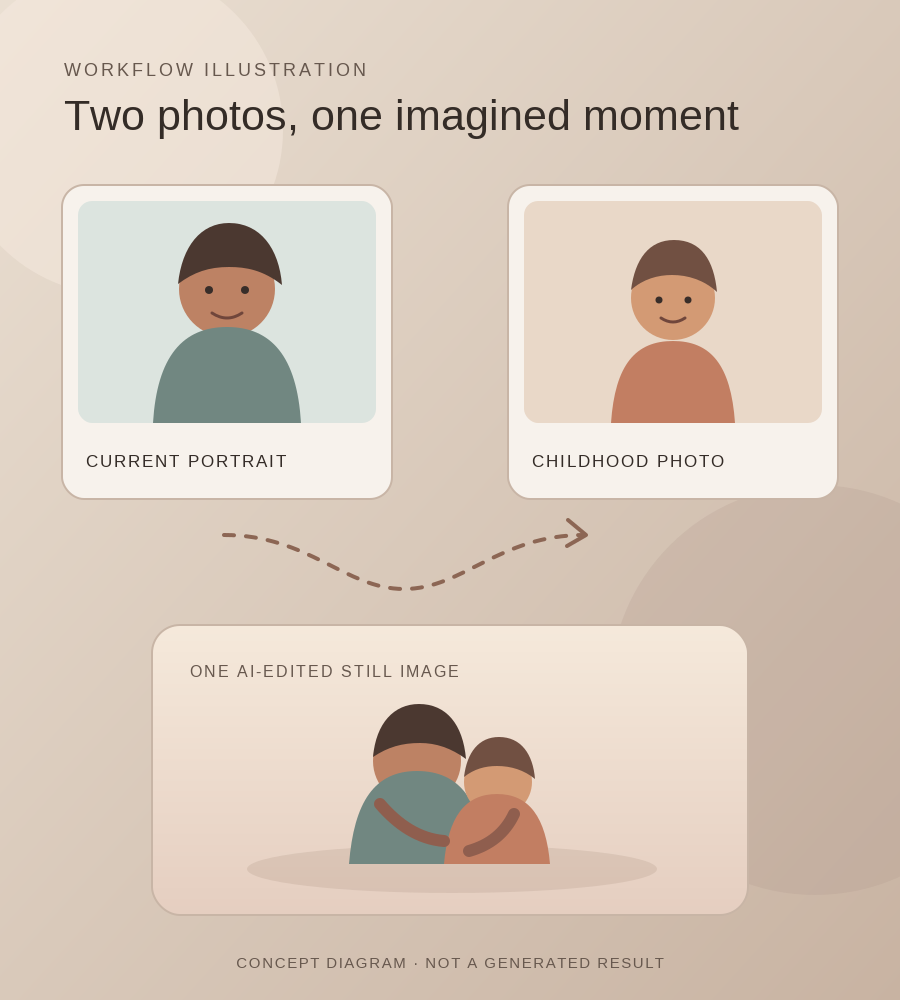 Photo trendHug Your Younger Self AI Photo TrendTwo ages of you, together in one imagined moment.5 credits · two photos
 Photo trendMy Moon My Man Jesus AI Photo TrendA portrait, one flower and a bouquet.5 credits · one photo
 Photo trendChibi Office Figurine AI Photo TrendA little version of you at your desk.5 credits · one photo
 Photo trendThree Close Up Portrait AI Photo TrendOne face, three close views.5 credits · one photo
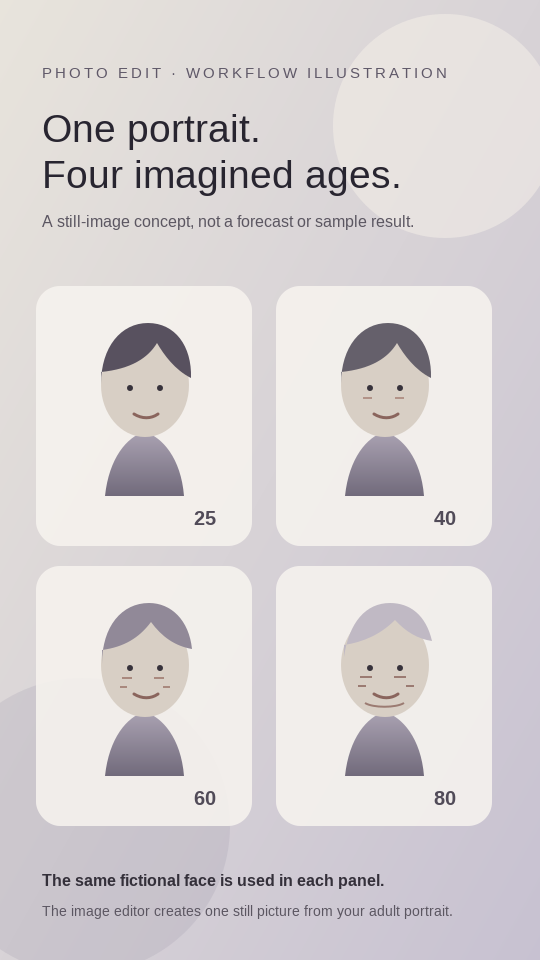 Photo trendAI Aging Filter Photo TimelineOne portrait, four adult ages.5 credits · one photo
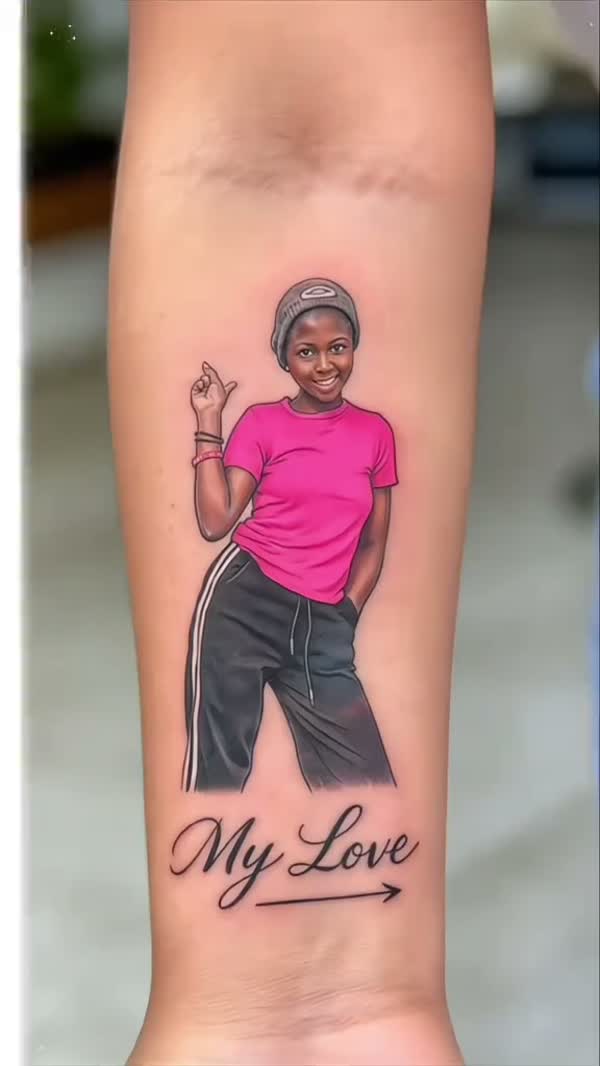 Photo trendForearm Portrait Tattoo AI Photo TrendA portrait as a digital tattoo mockup.5 credits · one photo
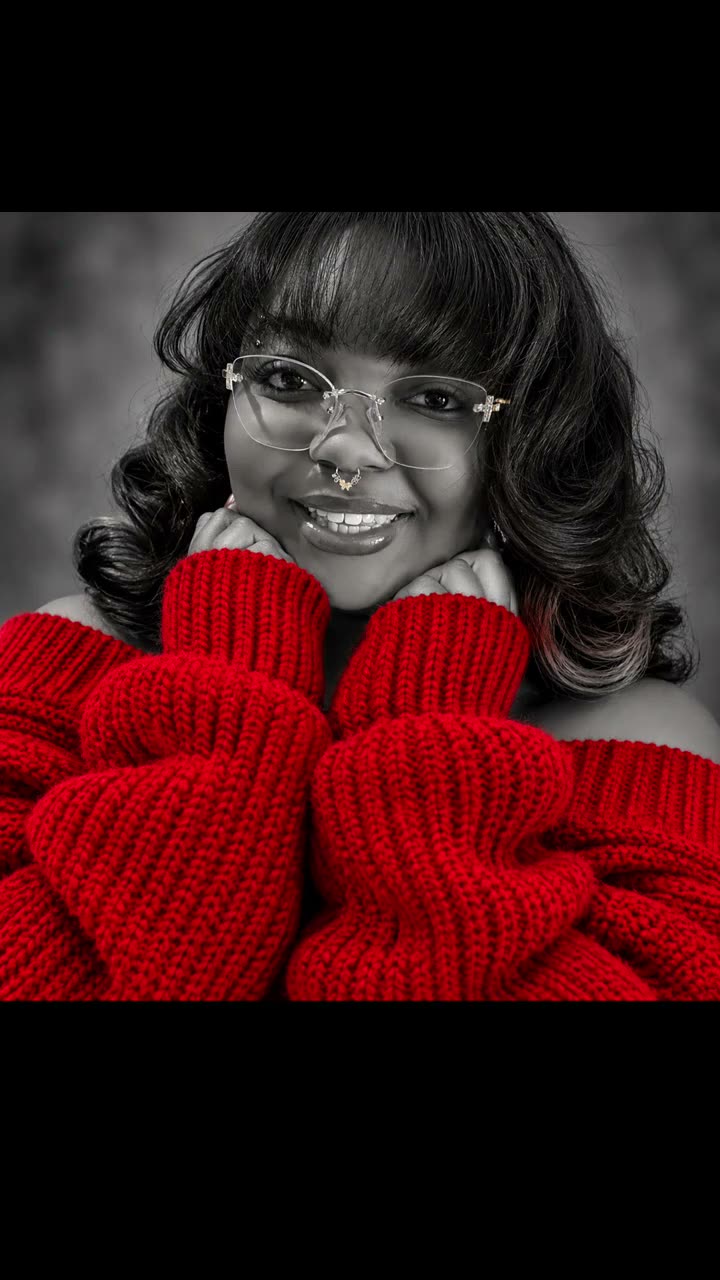 Photo trendChatGPT Sweater Portrait AI Photo TrendBlack and white, with one bright sweater.5 credits · one photo
 Photo trendChristmas Ice Queen Triple Portrait AIPut three views in one snow scene.5 credits · one photo
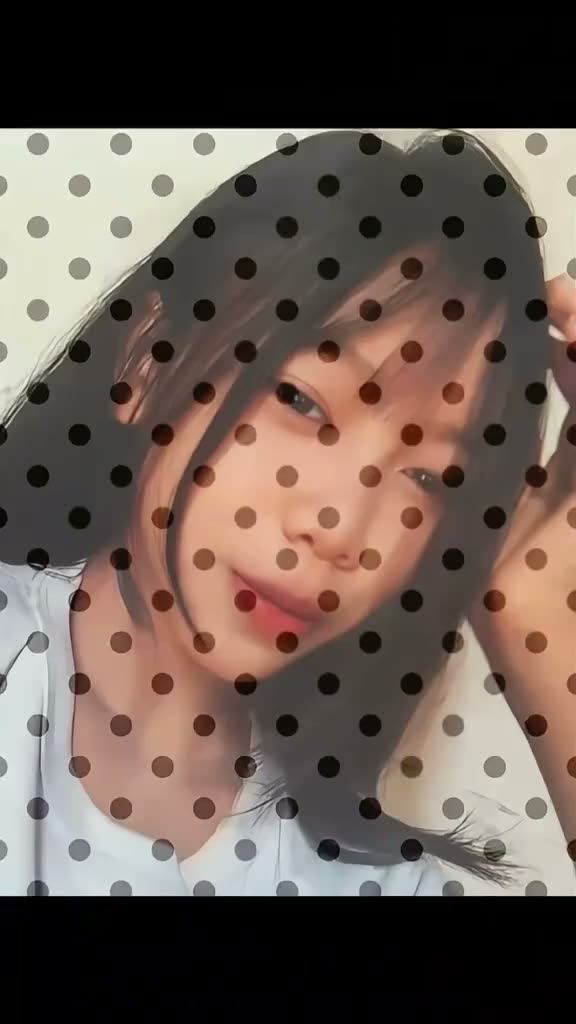 Photo trendPolka Dot Portrait AI PhotoPut a soft dot grid over your portrait.5 credits · one photo
 Photo trendSnowman Bestie AI PortraitGive your snowman a matching winter outfit.5 credits · one photo
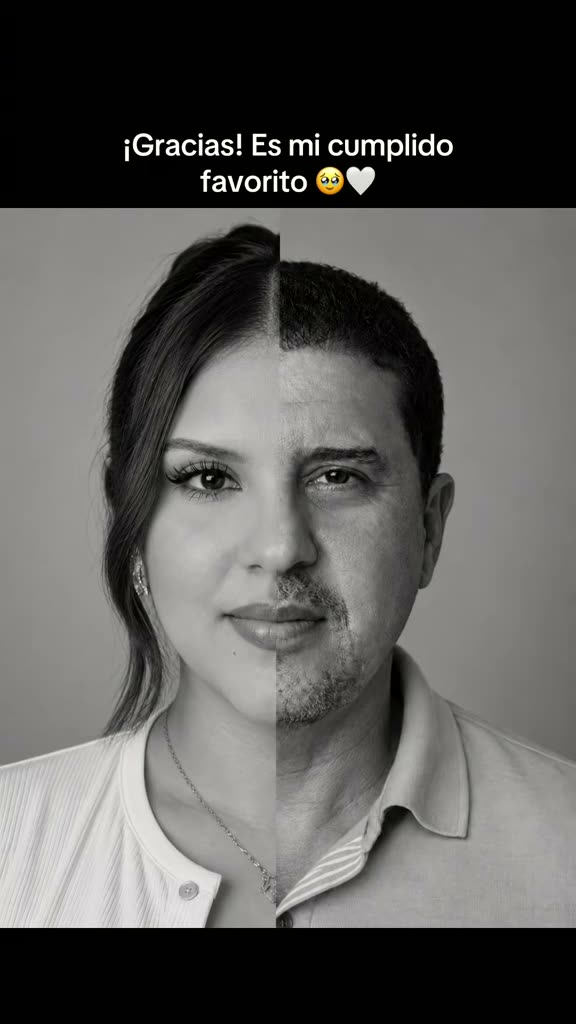 Photo trendSplit Face Parent Portrait AI PhotoSee the family resemblance.5 credits · two photos
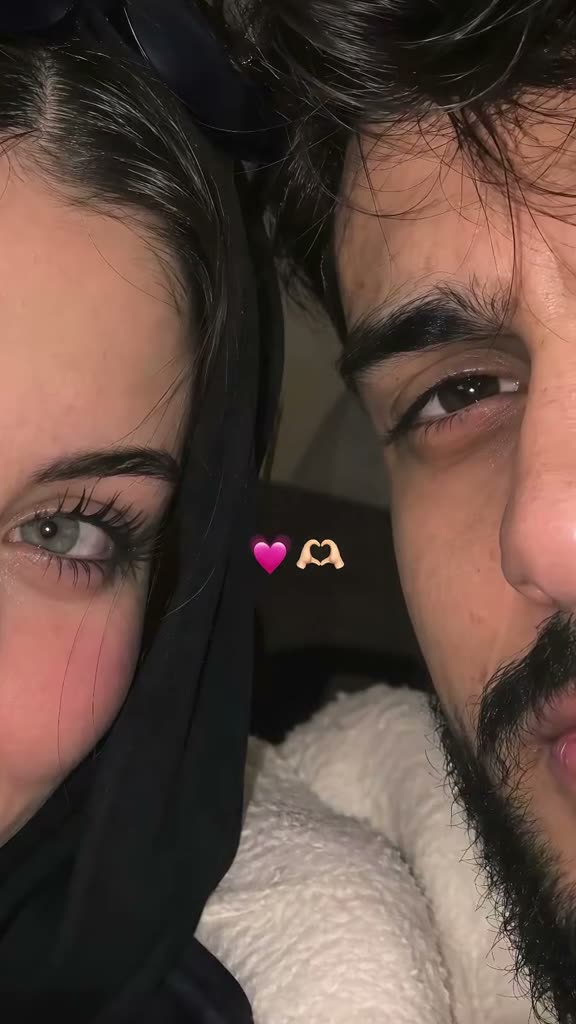 Photo trendCouple Split Closeup Photo AI TrendTwo faces in one close frame.5 credits · one photo
Try the Black and White Wet Face Portrait photo edit
One photo, one prompt and one AI-edited still image. 5 credits.
Edit your photo