Photo trendOriginal posted Nov 4, 2026
Pixie Haircut AI Filter Photo Trend
Preview layered pixie hair from one portrait.
The linked TikTok tutorial shows a layered pixie-haircut preview and an AI image-edit walkthrough. Add one portrait to try the hairstyle as a still image. The included prompt is editable, so you can review it before submitting your photo.
- 1 photo you add
- AI-edited still image
- Edit prompt included
One AI-edited still image · 5 credits · you can review the prompt before creating
One photo · prompt included · AI-edited still image
What the original shows
The linked TikTok tutorial by @farhanikeda was posted on Nov 4, 2026. It shows a layered pixie-haircut preview and a photo-edit walkthrough; this page recreates the hairstyle as a still image from your portrait. Watch the original post
Also calledpixie cut ai filterpixie cut ai appshort haircut ai generatorai prompt for pixie cut
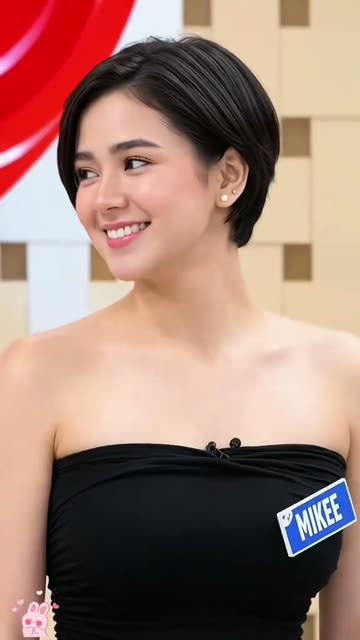 0:01
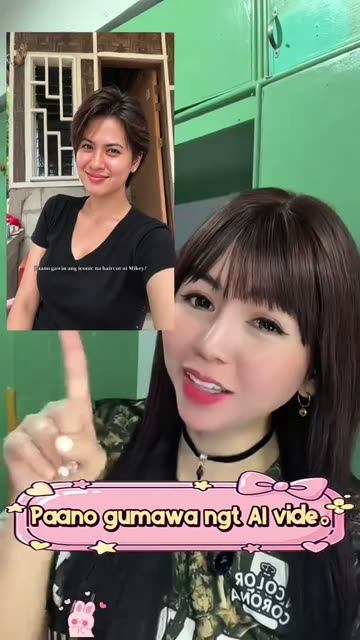 0:05
 0:09
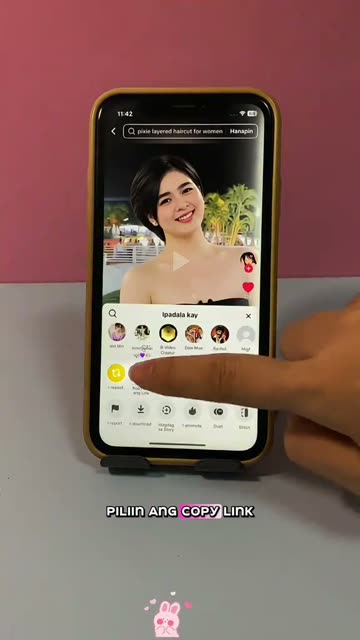 0:12
Make the still image
- 01
Choose a photo
Use one portrait with the person’s face and current hairline visible.
Open the image editor - 02
Review the edit prompt
The prompt is filled in for you. You can change its wording before you create the image.
Review the prompt - 03
Create and save
The image editor shows the 5-credit price before you submit. Your result is a still image, not a video.
Create your image
Where the idea came from
The linked TikTok tutorial by @farhanikeda was posted on Nov 4, 2026. It demonstrates a layered pixie-haircut preview and discusses an AI image edit.
The post had 2.8M views when checked on Nov 12, 2026. This page uses it as a reference for the haircut look and does not claim it started the wider filter format.
Why people share it
A pixie cut changes the outline of a portrait, so a preview makes the short layered shape easier to picture before deciding whether to try a real haircut.
The edit is a visual experiment, not a salon result or a promise that every detail will match. Check the face and hair texture in the image before sharing it.
Get a cleaner edit
Use one portrait with the person's face visible. Keep the current hairline in frame. Choose a photo you own or have permission to edit.
Avoid: Do not cover the hairline with a hat. Do not expect a video from this image editor. Do not treat the preview as a guaranteed haircut result.
The haircut still looks long Review the included prompt and keep the request for short, layered pixie hair clear. You can edit the prompt before creating another image.
The face changed too much Use a portrait with the face and hairline visible. Keep the prompt focused on changing the hairstyle and preserving the person's appearance.
The hair texture looks unnatural Adjust the wording to ask for natural hair texture and soft layers around the crown and temples.
Photo trend questions
What is the Pixie Haircut AI Filter?
It is a photo edit that previews a short, layered pixie haircut on one portrait. The linked post shows a tutorial and hairstyle example.
How do I make a pixie haircut preview?
Open the image editor from this page, add one portrait, review the included prompt and create a still image.
Does the filter make a video?
No. The existing image editor makes one AI-edited still image from your portrait.
Can I change the haircut wording?
Yes. Review the included prompt in the image editor and change its wording before submitting.
How many credits does one edit use?
The editor shows the price before you submit. One image edit uses 5 credits.
Who posted the reference tutorial?
@farhanikeda posted the linked TikTok tutorial on Nov 4, 2026. We link to it above; it is a reference, not verified proof of the format's origin.
More AI photo edits
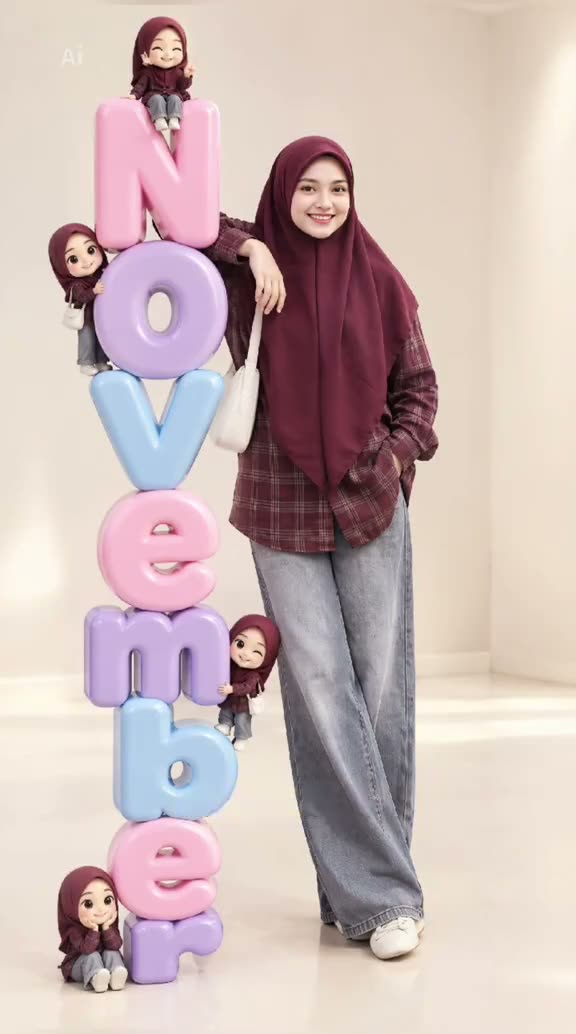 Photo trend3D Month Letters AI Photo TrendYour month, stacked in glossy balloon letters.5 credits · one photo
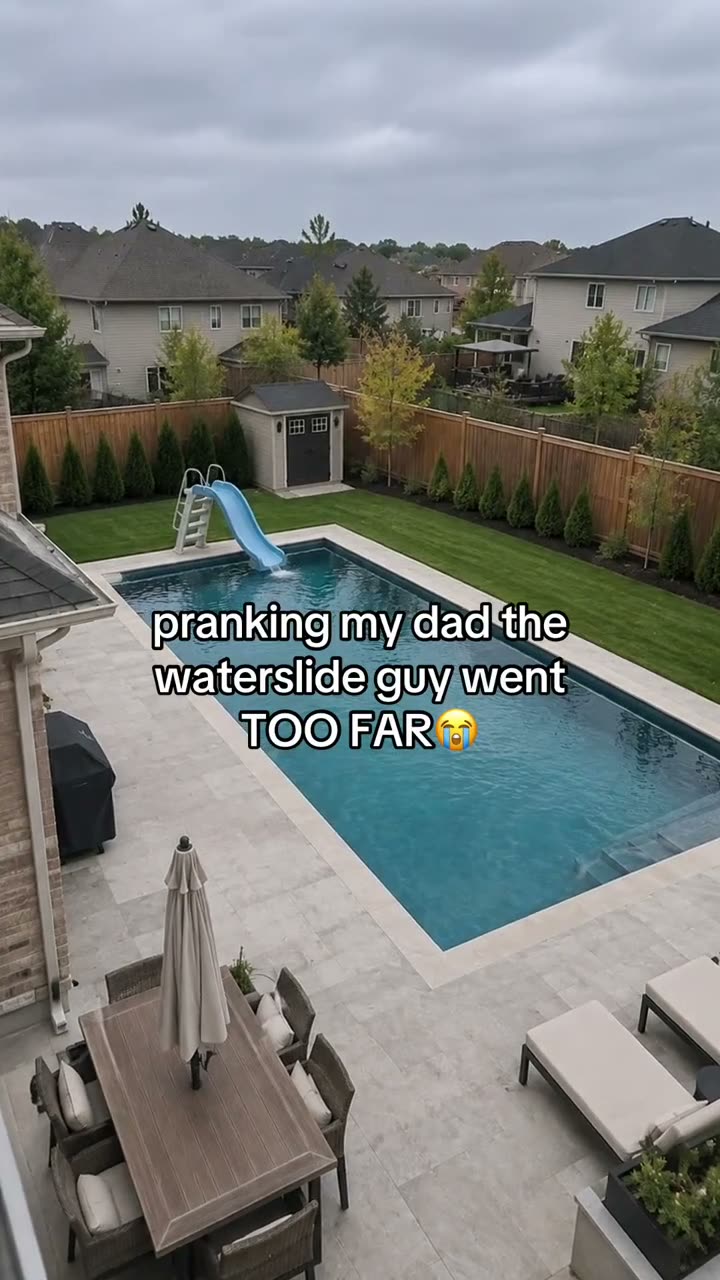 Photo trendAI Text Prank Photo EditMake the picture ridiculous. Write the message yourself.5 credits · one photo
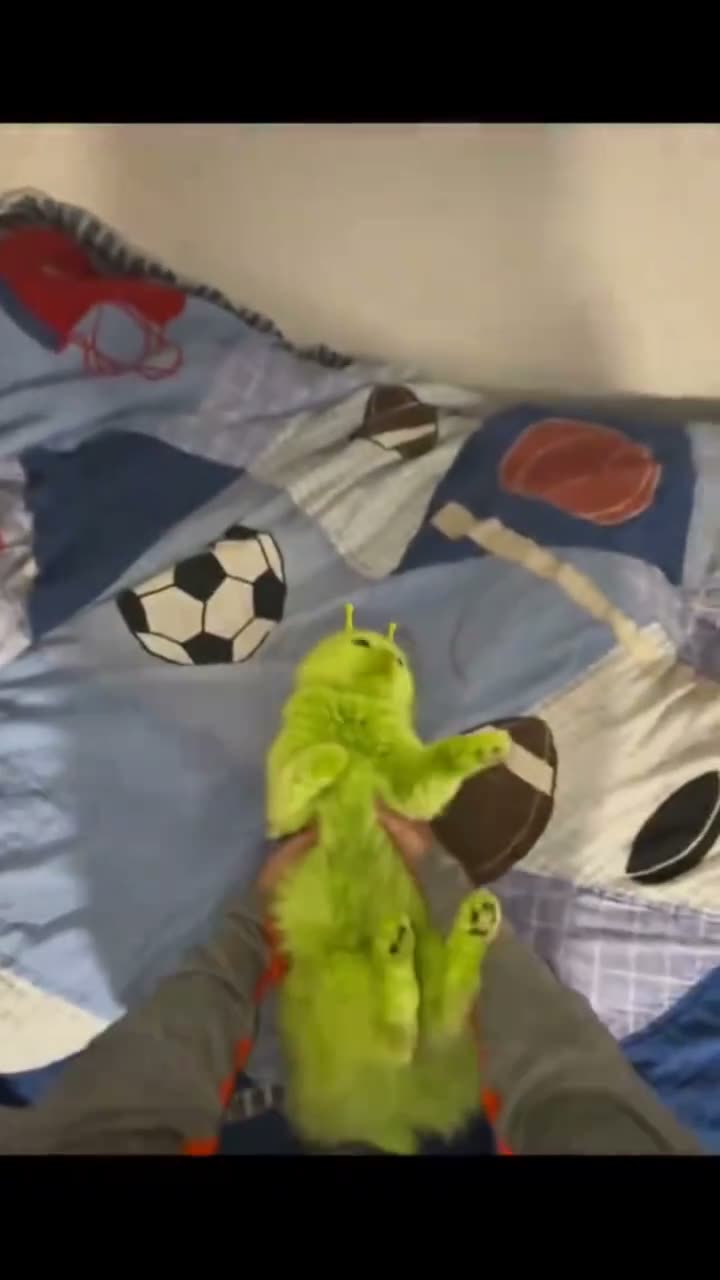 Photo trendGreen Alien Cat AI Photo TrendTry the fuzzy alien-cat look on your pet.5 credits · one photo
Try the Pixie Haircut photo edit
One photo, one prompt and one AI-edited still image. 5 credits.
Edit your photo