Photo trendChecked Nov 12, 2026
AI Text Prank Photo Edit
Make the picture ridiculous. Write the message yourself.
The reference prank starts with an ordinary home photo and adds a wildly oversized backyard waterslide. Use a property photo you own or have permission to edit. The image tool makes the visual; it does not create a text conversation. The prompt is ready to review and change before you create a still image.
- 1 photo you add
- AI-edited still image
- Edit prompt included
One AI-edited still image · 5 credits · you can review the prompt before creating
One photo · prompt included · AI-edited still image
What the original shows
The linked post by @steve.pranks pairs a home photo edit with the line about Dad wanting a small waterslide. The message is separate from the image edit. Watch the original post
Also calledAI Text Prank PhotoWaterslide Text PrankOversized Waterslide Photo Edit
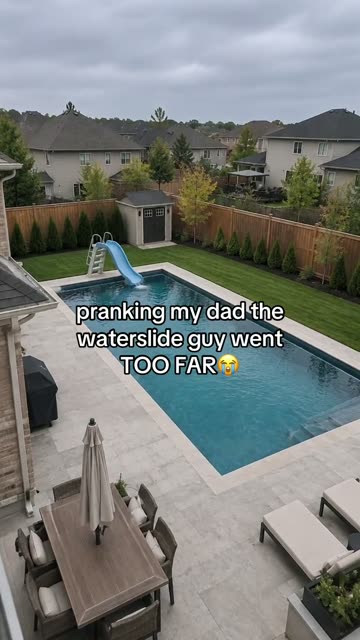 0:01
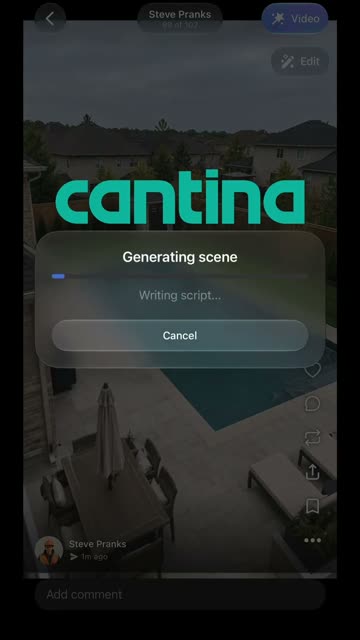 0:05
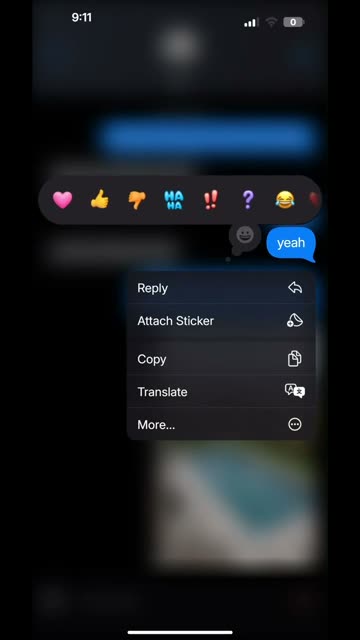 0:09
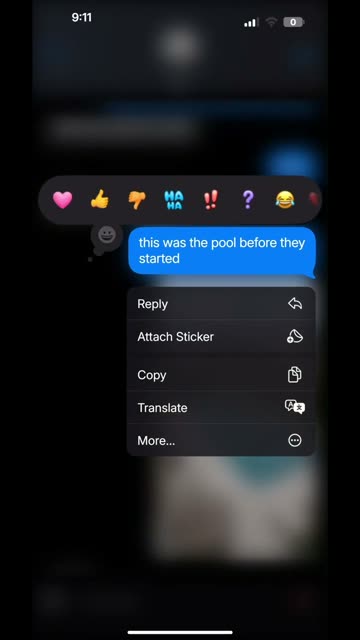 0:12
Make the still image
- 01
Choose a photo
one photo of a home, yard, or pet area that the user owns or has permission to edit
Open the image editor - 02
Review the edit prompt
The prompt is filled in for you. You can change its wording before you create the image.
Review the prompt - 03
Create and save
The image editor shows the 5-credit price before you submit. Your result is a still image, not a video.
Create your image
Where the idea came from
The reference post by @steve.pranks is a photo-edit prank built around a waterslide that is much larger than the house. Its caption frames the joke as a request for a small slide.
The image and the message are two separate pieces. This page can help make the edited picture; the text conversation is written and sent by you in your own messaging app.
Why people share it
The joke comes from the mismatch between a normal family setting and an absurdly oversized addition. The familiar house makes the edit understandable at a glance.
A short, playful message gives the image its setup. Keep the picture clearly exaggerated so the visual reads as a joke rather than a real property change.
Get a cleaner edit
Use a clear photo with the roof, yard and pool area visible. Choose a daytime image with steady perspective. Keep the added slide visibly oversized and playful.
Avoid: A photo taken through glass or with a strong camera tilt. People, addresses or identifying details that should stay private. Edits that suggest actual damage or an emergency.
The slide looks too small Review the prompt and ask for a slide taller than the roof while keeping the original camera angle.
The house changed too much Use a clear photo and keep the instruction to preserve the same home, yard and viewpoint.
The image looks like a real renovation Make the scale intentionally exaggerated and check that no added details imply real damage or an emergency.
Photo trend questions
What is an AI text prank?
It is a prank format that pairs an edited photo with a text message. The reference adds an oversized waterslide to a home photo.
Does this tool write the text messages?
No. It edits the photo only. Write any conversation separately in your own messaging app.
How do I make the waterslide picture?
Open the image editor, add a home or yard photo you have permission to edit, review the prompt and create the still image.
How many credits does an edit use?
The current image editor price is 5 credits for one image. The editor shows the price before you submit.
Can I use a photo of someone else's home?
Use a photo you own or have permission to edit. Avoid sharing private details such as an address.
Is the slide really part of the property?
No. It is an AI-edited visual gag, not a real construction plan or record of a property change.
More AI photo edits
Try the Text Prank photo edit
One photo, one prompt and one AI-edited still image. 5 credits.
Edit your photo