Photo trendReference post checked Nov 14, 2026
Flash Couple Silhouette AI Photo Trend
Two faces in the dark, edged in light.
Use two separate portraits of consenting adults to make a still couple image with a dark background, warm rim lighting and a small white heart. This is an image edit, not a video effect.
- 2 consenting adult portraits
- AI-edited still image
- Edit prompt included
One AI-edited still image · 5 credits · you can review the prompt before creating
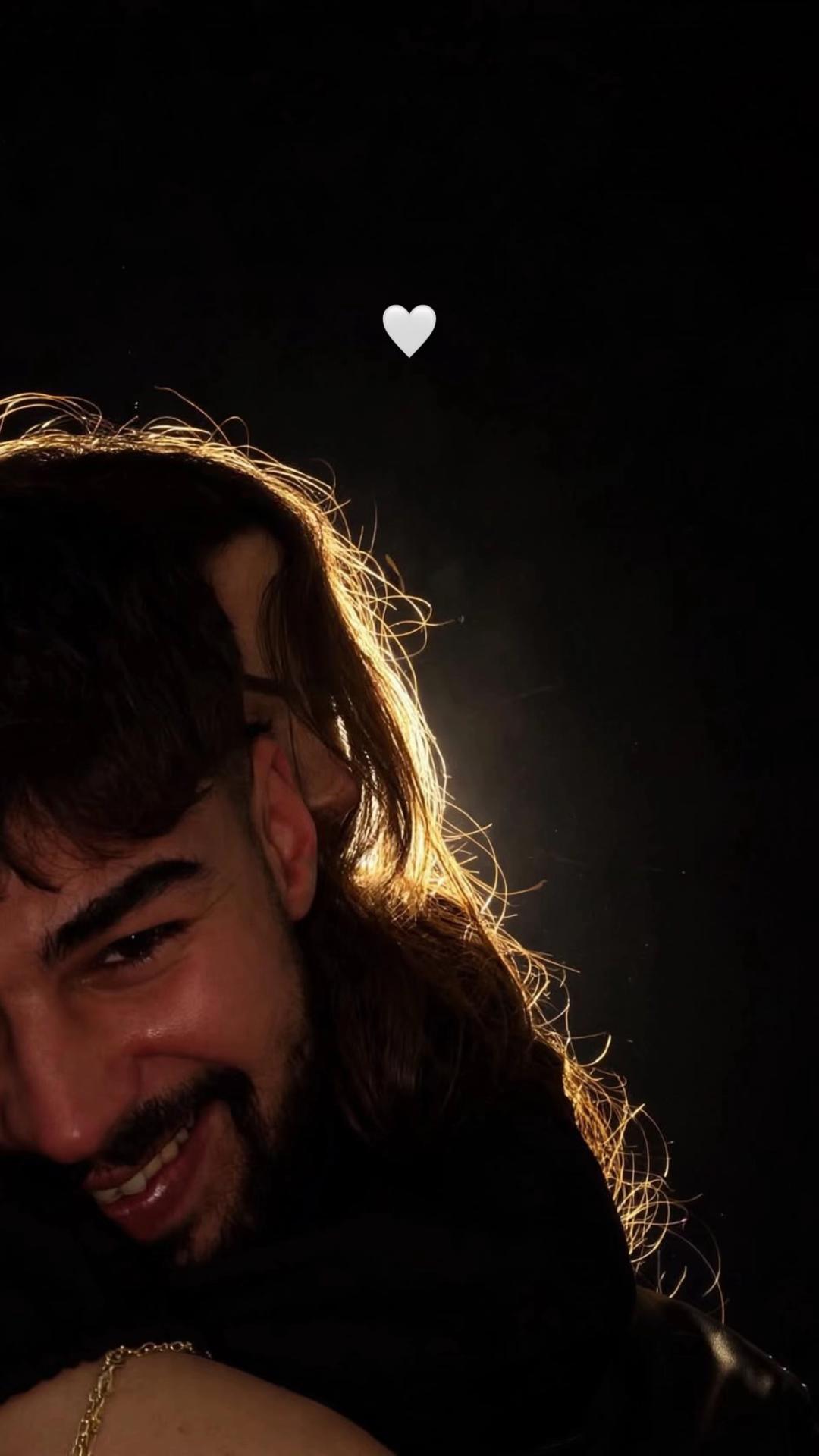
Two separate adult portraits · prompt included · AI-edited still image
What the original shows
The linked TikTok post by @harunn4790 shows a close couple portrait against a dark background, edged with warm light and a small white heart. It is one example of the format; we have not confirmed who first made it. Watch the original post
Also calledflash couple silhouette AI photoflashlight couple photo AIcouple on black background AI photorim light couple portrait AI
Two portraits become one still image.
Use one separate portrait for each consenting adult. The image editor places them together in a dark, rim-lit scene; it does not animate them or make a video.
Make the still image
- 01
Choose both portraits
Use two separate portraits of consenting adults, one person in each image. Keep both faces visible and use photos you have permission to edit.
Open the image editor - 02
Review the edit prompt
The prompt is filled in for you. You can change its wording before you create the image.
Review the prompt - 03
Create and save
The image editor shows the 5-credit price before you submit. Your result is a still image, not a video.
Create your image
Where the idea came from
The reference linked here is a TikTok post by @harunn4790. It shows a dark couple portrait with warm light around the figures and a small white heart.
We have not confirmed who first made the format. This page adapts the still-photo idea to the existing image editor; it does not reuse a generated sample.
Why people share it
The dark background and edge light give the couple a private, cinematic feel while keeping the faces close to the viewer.
It works as a portrait to share with someone who agreed to be pictured. The result is an AI-edited image, not a photo of a real moment.
Get a cleaner edit
Use two separate portraits, one person in each. Choose consenting adults. Keep both faces visible in the photos.
Avoid: Do not use a group photo for the two roles. Do not use a photo without permission. Review the edit before sharing.
One person is hard to recognize Use a separate portrait for each person, with both faces visible and permission to edit each photo.
The people blend together Keep each person in a separate input photo and check the result before saving.
The heart or lighting looks different The prompt guides the image model, but small details can vary. Review the image before sharing it.
Photo trend questions
What is the Flash Couple Silhouette AI photo?
It is one still image of two people together against a dark background, with warm rim lighting and a small white heart.
How many photos do I need?
Use two separate portraits, one for each consenting adult.
Does this make a video?
No. The current image editor makes one still image. It does not animate the photo.
Who made the original?
The linked example is by @harunn4790 on TikTok. We have not confirmed who first created the format.
How much does an edit cost?
The image editor shows the current credit price before you submit the edit.
More AI photo edits
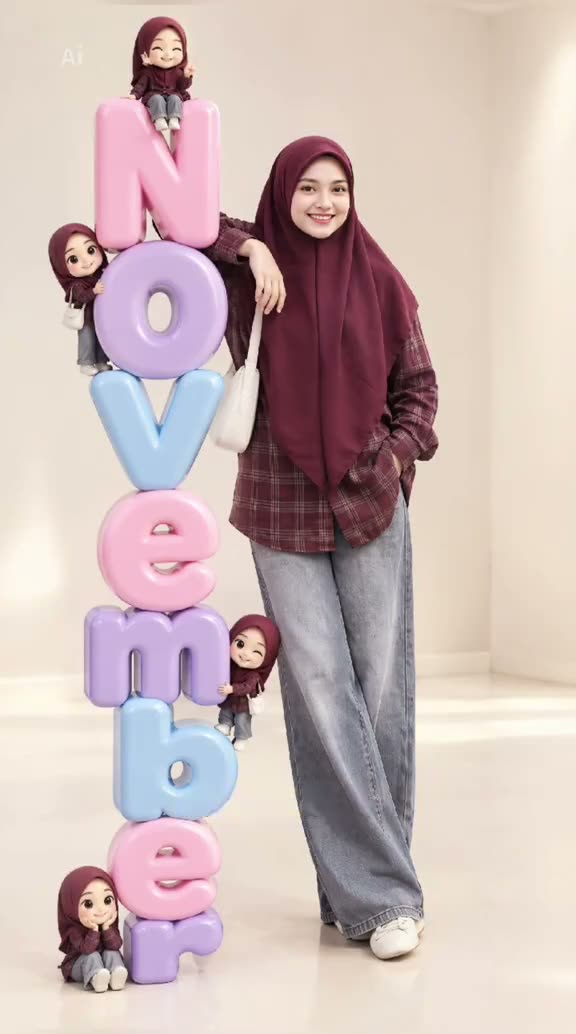 Photo trend3D Month Letters AI Photo TrendYour month, stacked in glossy balloon letters.5 credits · one photo
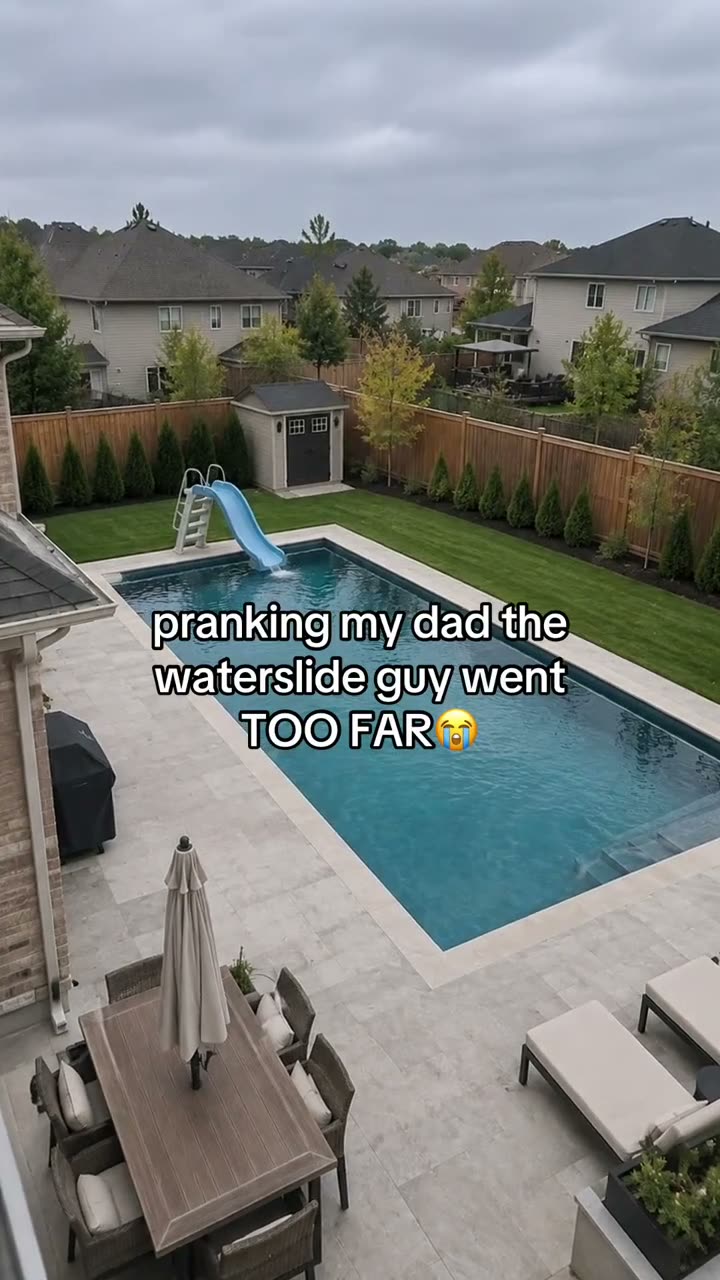 Photo trendAI Text Prank Photo EditMake the picture ridiculous. Write the message yourself.5 credits · one photo
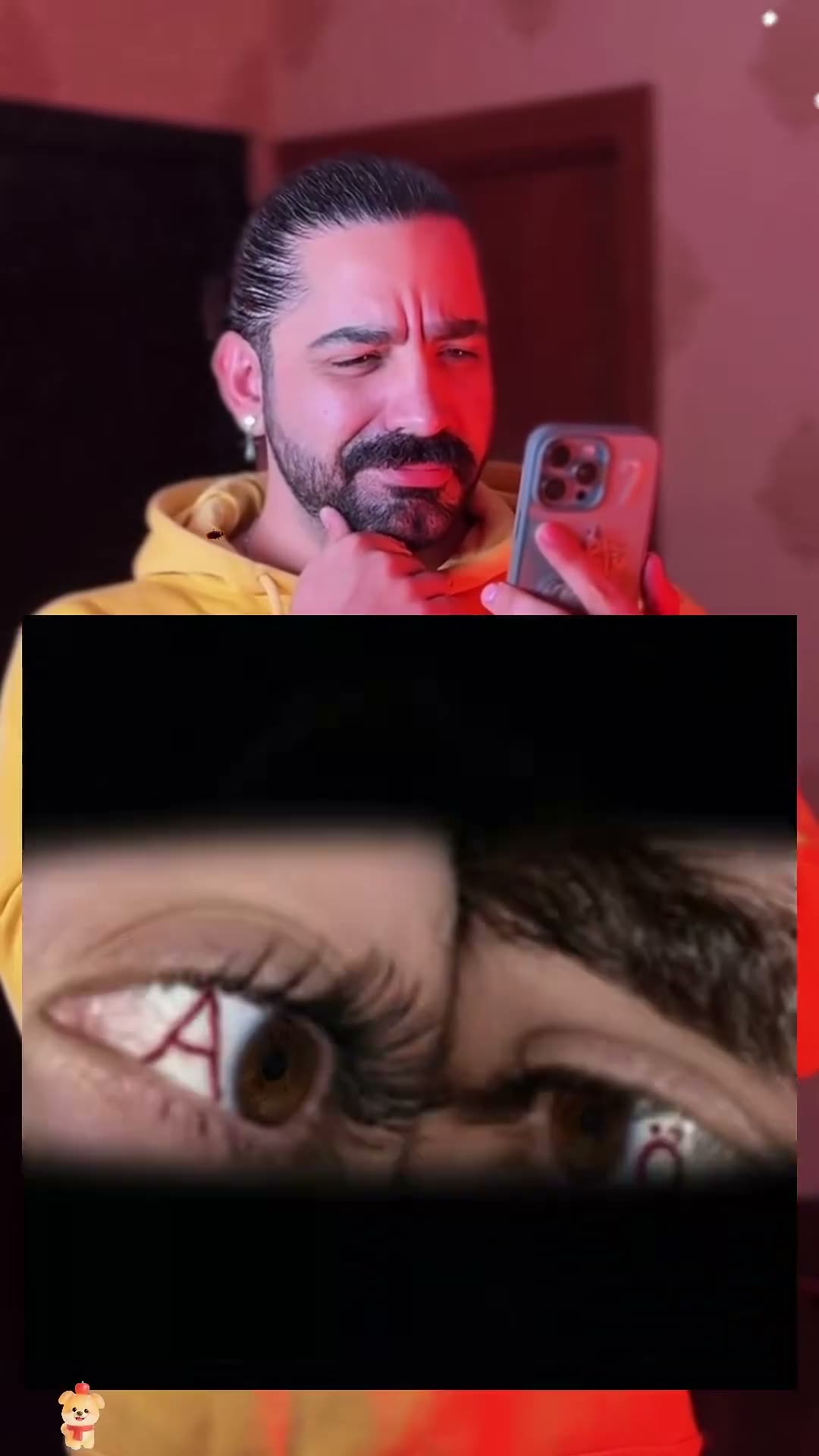 Photo trendCouple Eye Initials AI Photo TrendTwo eyes, two initials, one close-up.5 credits · two photos
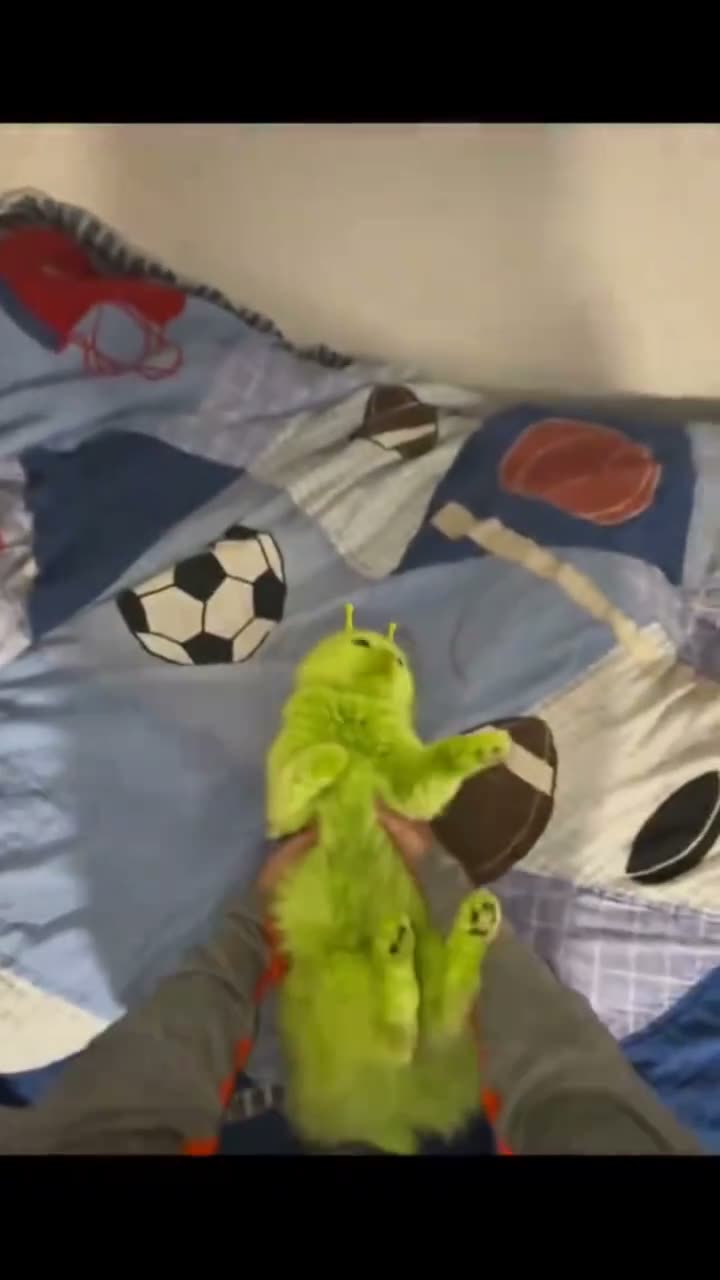 Photo trendGreen Alien Cat AI Photo TrendTry the fuzzy alien-cat look on your pet.5 credits · one photo
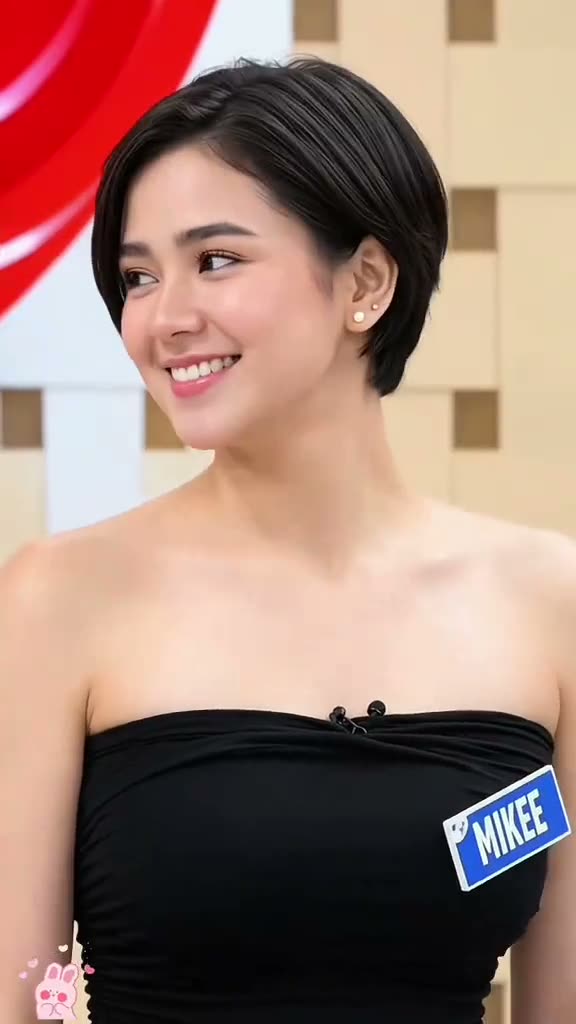 Photo trendPixie Haircut AI Filter Photo TrendPreview layered pixie hair from one portrait.5 credits · one photo
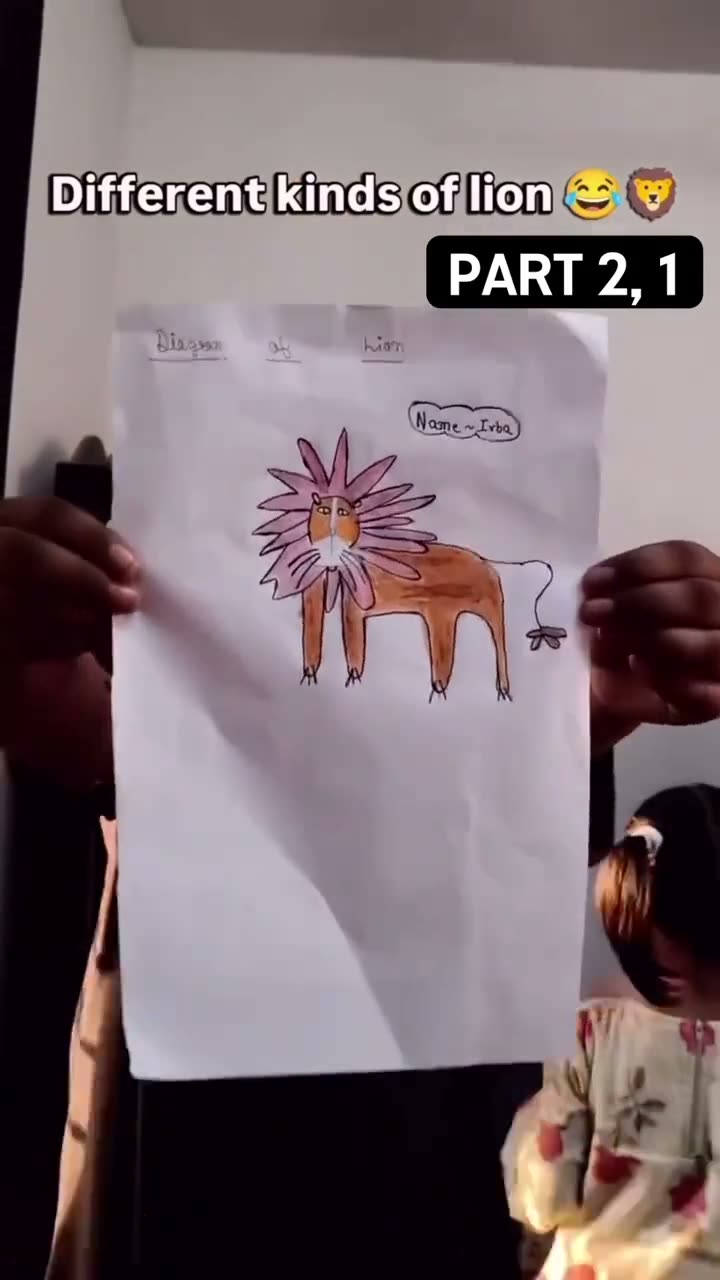 Photo trendKids Drawing to Life AI TrendTurn a hand-drawn idea into a still image.5 credits · one photo
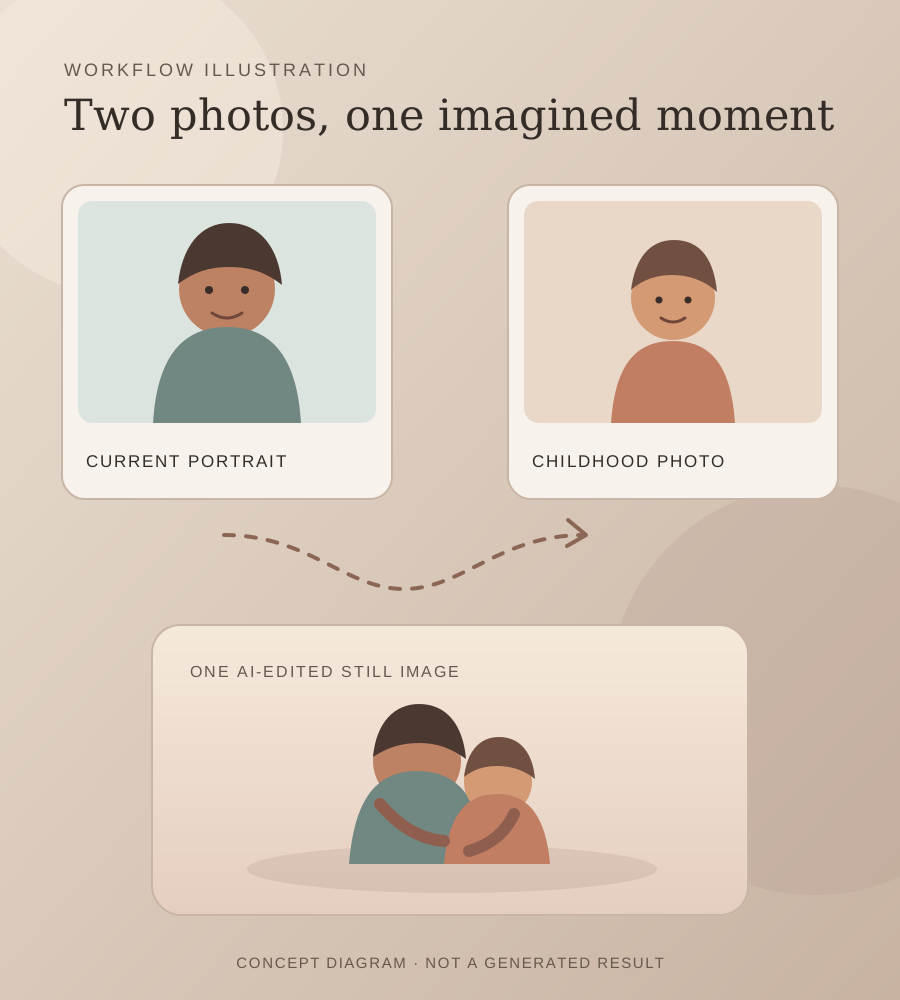 Photo trendHug Your Younger Self AI Photo TrendTwo ages of you, together in one imagined moment.5 credits · two photos
Try the Flash Couple Silhouette photo edit
Two separate adult portraits, one prompt and one AI-edited still image. 5 credits.
Make the couple photo