Photo trendReference page checked Nov 12, 2026
Hug Your Younger Self AI Photo Trend
Two ages of you, together in one imagined moment.
Bring a current portrait and a childhood photo of the same person together in one imagined hug. The existing image editor makes a still image from both references; it does not create a video.
- 2 photos of the same person
- AI-edited still image
- Edit prompt included
One AI-edited still image · 5 credits · you can review the prompt before creating
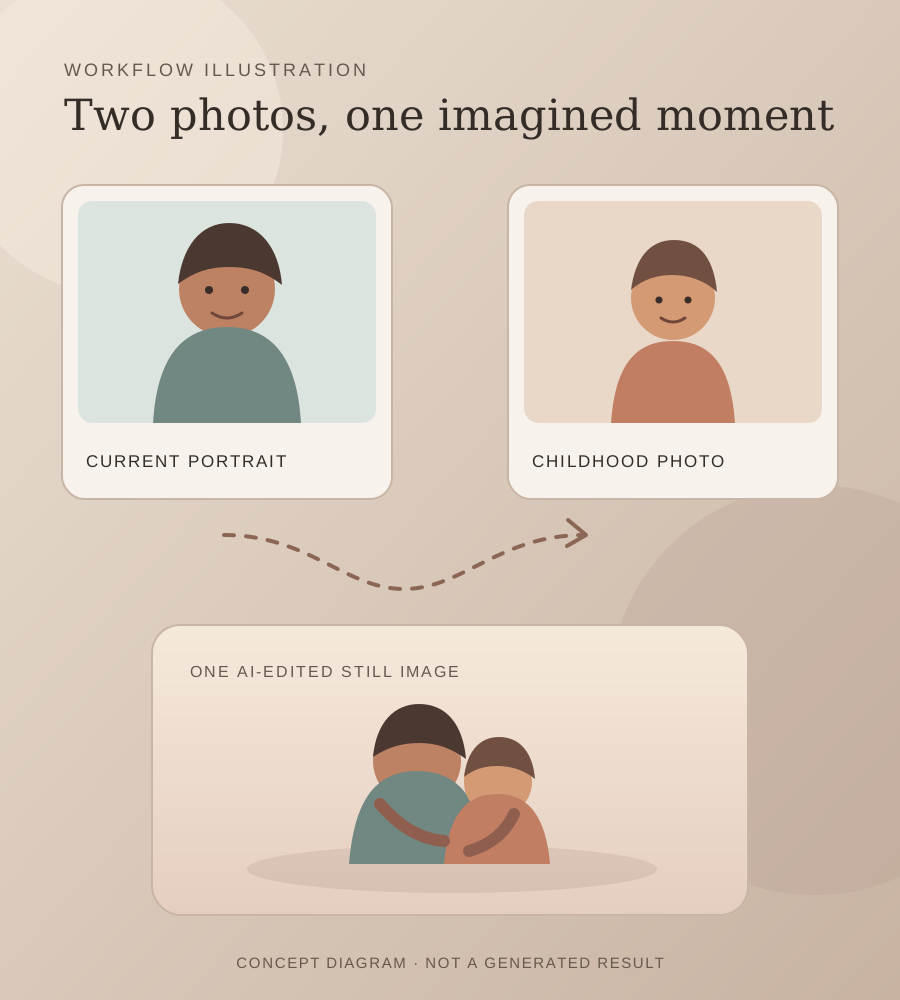
Current portrait + childhood photo · prompt included · AI-edited still image
What the format shows
An existing Oraclip template page shows a current portrait and a childhood photo combined into a still hug image. It is a format reference, not an identified source post or proof of who started the idea. Open the reference template
Also calledhug your younger self AIAI childhood self hug photocurrent and childhood photo AI edit
One current portrait. One childhood photo.
The referenced format uses two photos: one current portrait and one childhood image. This page links to the template as evidence that the format is being offered, without reusing its generated example.
Make the still image
- 01
Choose both photos
Use two photos of the same person: a current adult portrait first, then a childhood photo. Keep both faces visible and use images you have permission to edit.
Open the image editor - 02
Review the edit prompt
The prompt is filled in for you. You can change its wording before you create the image.
Review the prompt - 03
Create and save
The image editor shows the 5-credit price before you submit. Your result is a still image, not a video.
Create your image
Where the idea came from
The reference we found is an existing template page on Oraclip. It describes using a current portrait and a childhood photo to create one still image. We have not identified a source post or confirmed who first made the format.
This page adapts the idea to the existing GPT Image editor. It does not reuse the reference page’s generated example, and no custom sample image has been made for this page.
Why people share it
The image places an adult beside a younger version of the same person in an imagined, affectionate moment.
It can work as a personal reflection or a keepsake. The result is an AI-created scene, not a documentary photograph of an event that happened.
For a different edit, the existing tool can place someone into a separate scene photo. Add a person to a photo
If you want motion after making the still image, use the separate photo-to-video tool. Animate a photo
Get a cleaner edit
Choose two clear photos of the same person. Keep the face visible in both images. Use a childhood photo where the face can be seen.
Avoid: Do not use photos without permission. Do not assume the generated faces will match exactly. Check the result before sharing.
The ages look too similar Use a childhood photo where the person is clearly younger, with the face visible.
One face is hard to recognize Choose clearer photos of the same person and inspect both faces after the edit.
The pose or hands look unusual Review the output carefully. The image model can change facial features, ages or hands.
Photo trend questions
What is the Hug Your Younger Self AI photo?
It is a still image that combines a current portrait with a childhood photo of the same person in an imagined hug.
Do I need two photos?
Yes. Use one current portrait and one childhood photo of the same person.
Does this make a video?
No. The existing editor creates one still image. It does not animate the result.
How much does one edit cost?
The current image editor price is 5 credits per image edit. The editor shows the price before you submit.
Who started the format?
We found an existing template page from Oraclip, but have not confirmed the original creator.
More AI photo edits
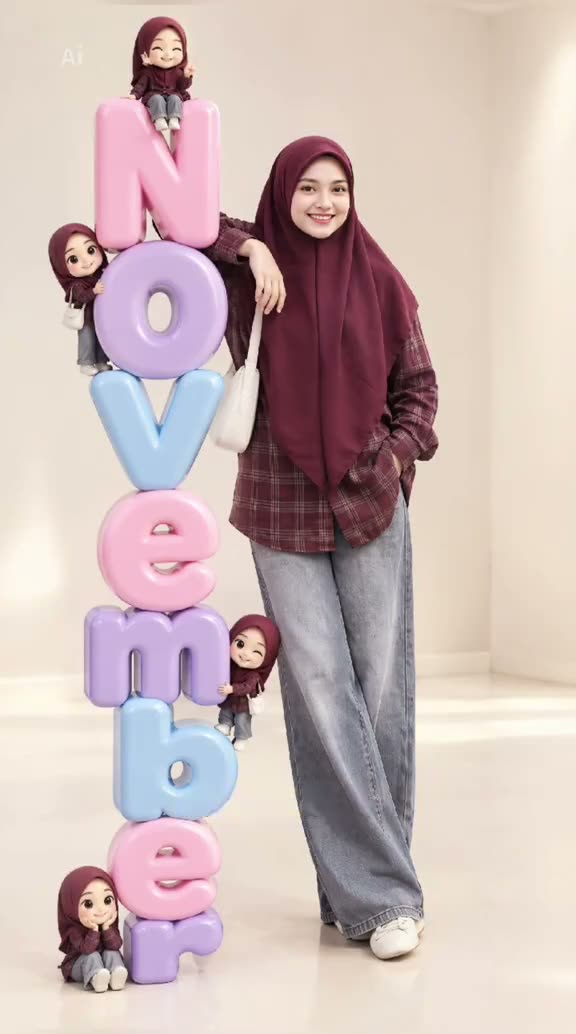 Photo trend3D Month Letters AI Photo TrendYour month, stacked in glossy balloon letters.5 credits · one photo
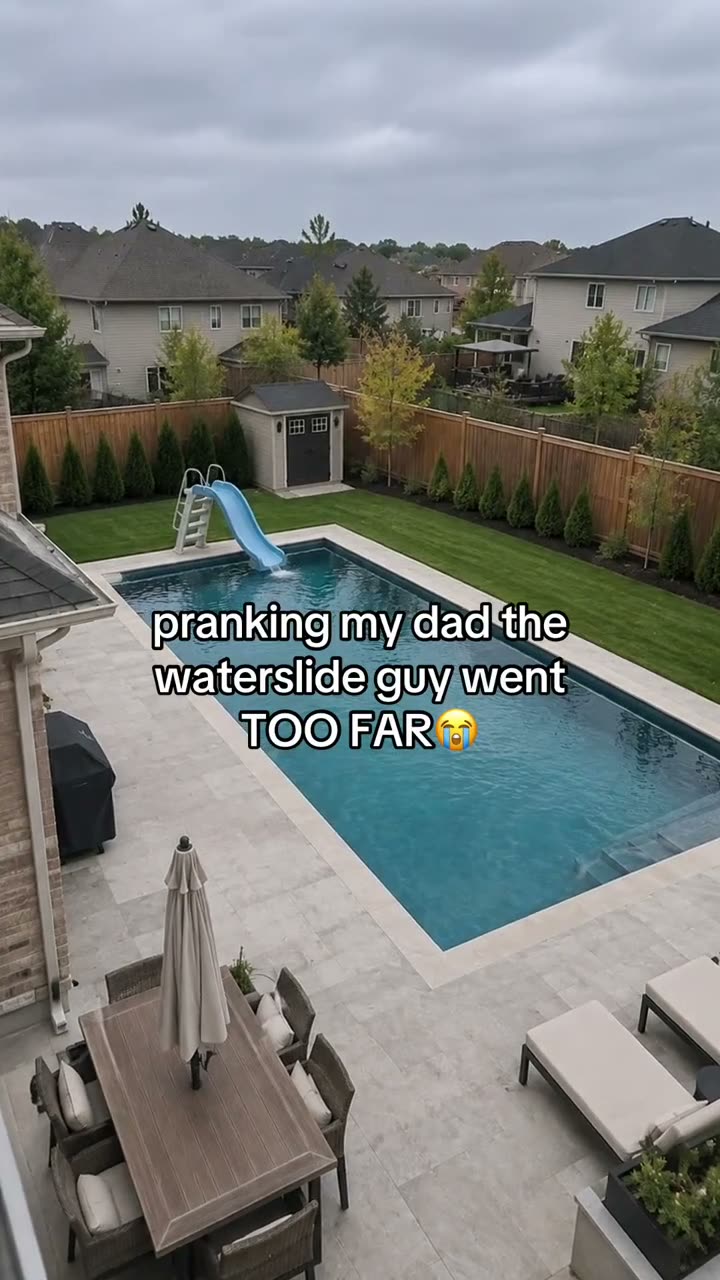 Photo trendAI Text Prank Photo EditMake the picture ridiculous. Write the message yourself.5 credits · one photo
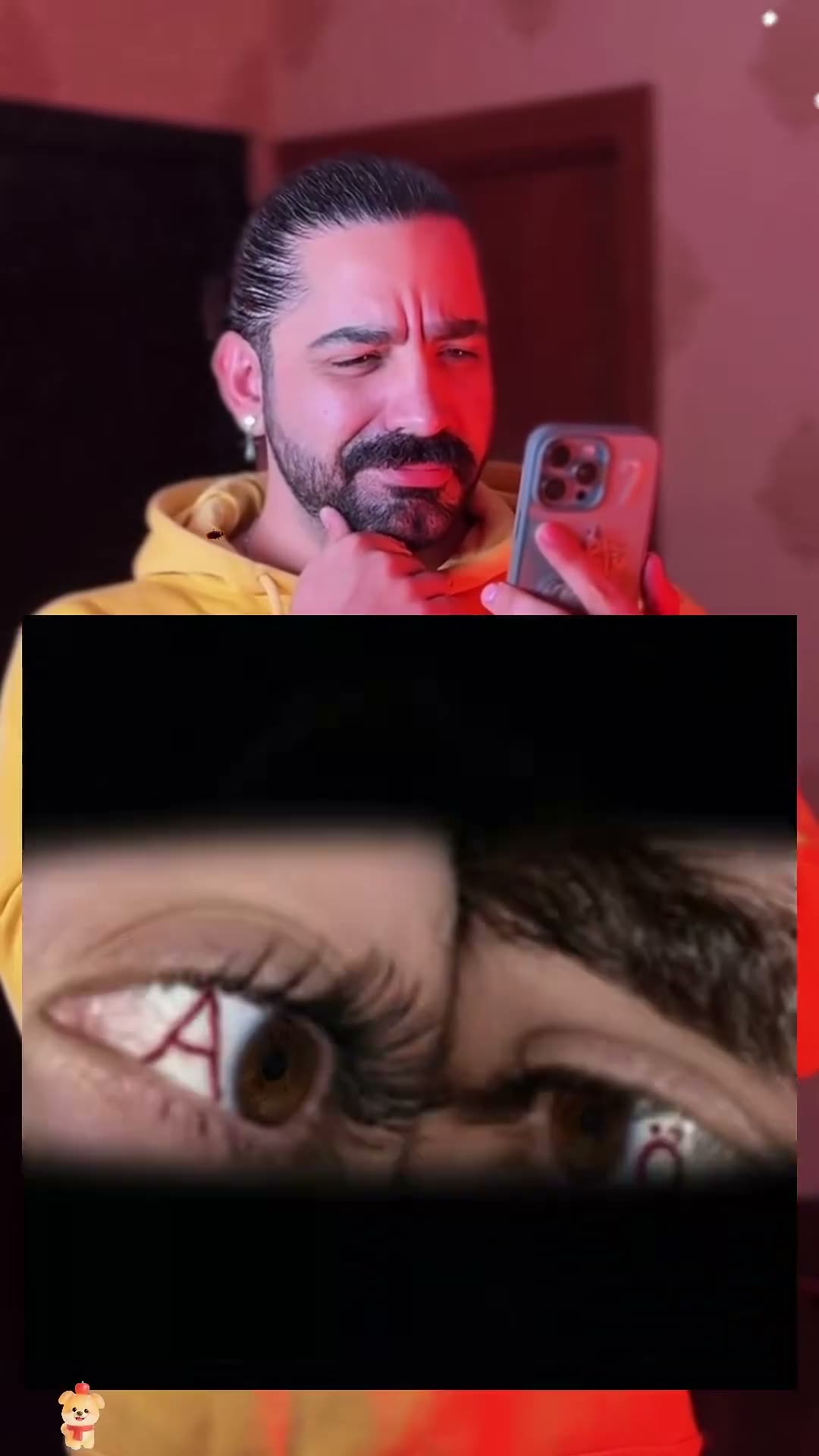 Photo trendCouple Eye Initials AI Photo TrendTwo eyes, two initials, one close-up.5 credits · two photos
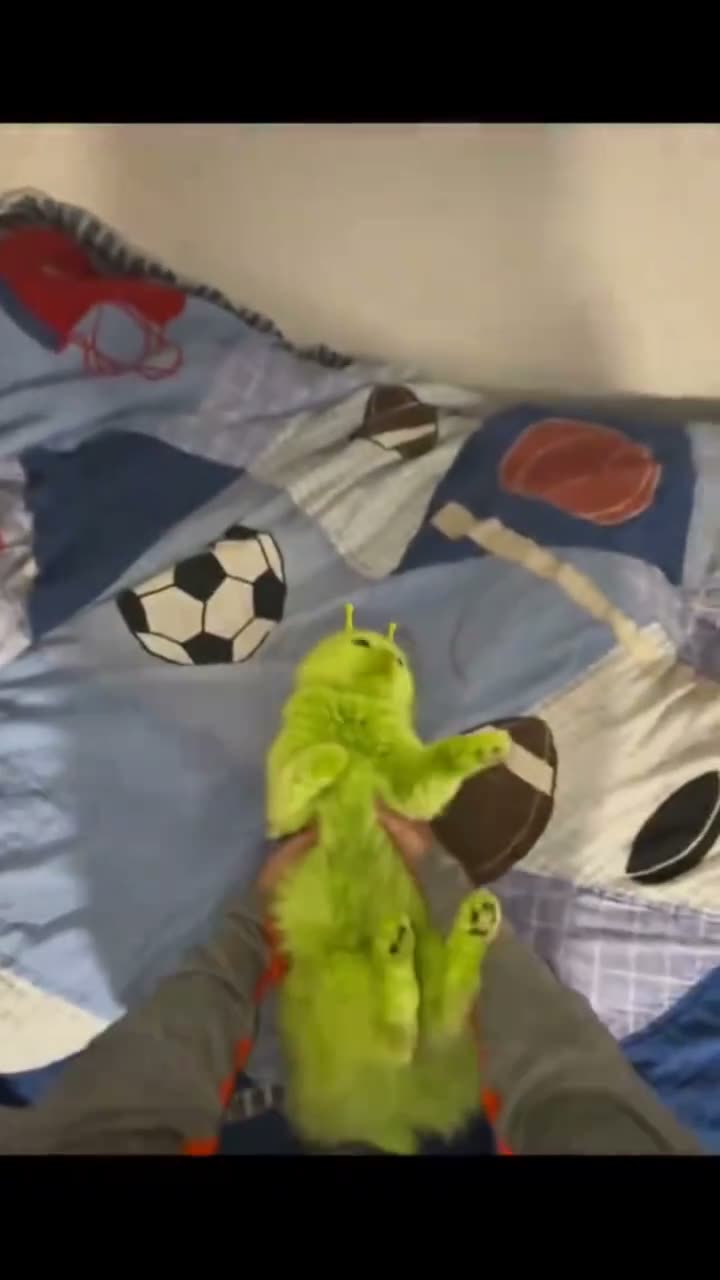 Photo trendGreen Alien Cat AI Photo TrendTry the fuzzy alien-cat look on your pet.5 credits · one photo
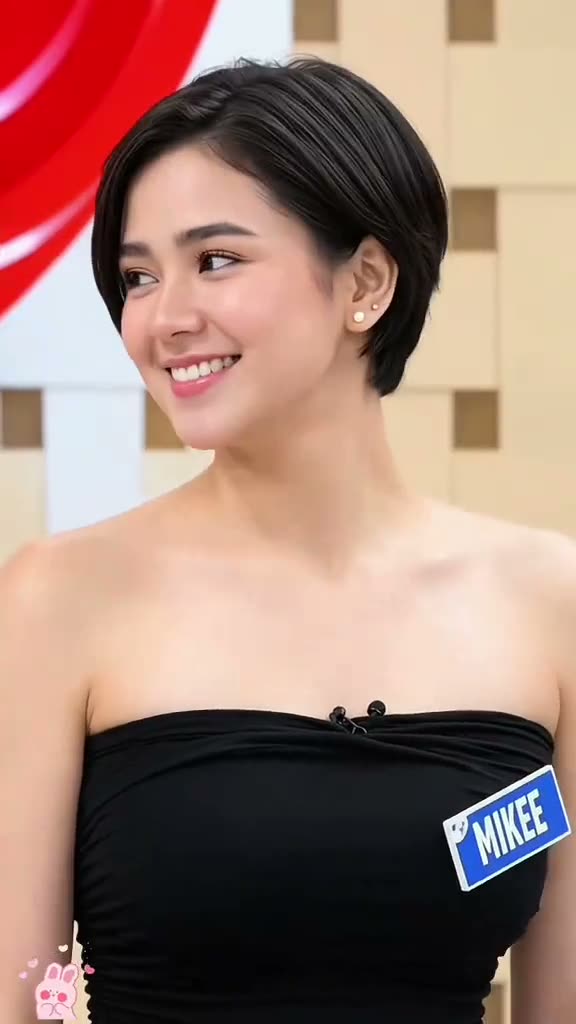 Photo trendPixie Haircut AI Filter Photo TrendPreview layered pixie hair from one portrait.5 credits · one photo
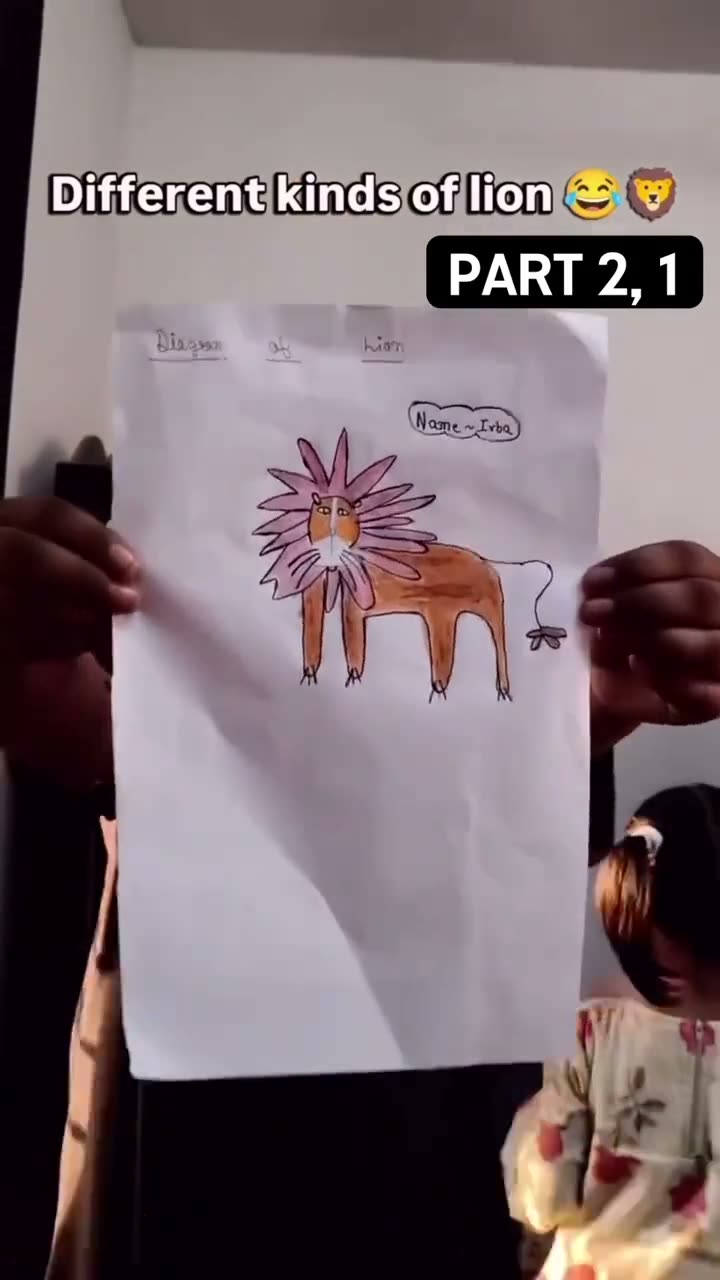 Photo trendKids Drawing to Life AI TrendTurn a hand-drawn idea into a still image.5 credits · one photo
Try the Hug Your Younger Self photo edit
Current portrait + childhood photo, one prompt and one AI-edited still image. 5 credits.
Make the hug photo