Photo trendOriginal posted Nov 15, 2026
Mermaid Portrait AI Photo Trend
An ocean portrait with a fantasy tail.
Turn one adult portrait into a still mermaid image with loose hair, teal scale styling and a visible tail. The existing image editor makes one new underwater fantasy picture from your photo; it does not create a swimming animation or a transition video.
- 1 photo you add
- AI-edited still image
- Edit prompt included
One AI-edited still image · 5 credits · you can review the prompt before creating
One photo · prompt included · AI-edited still image
What the original shows
The TikTok post by @user3577540320181 was published Nov 15, 2026, and demonstrates a one-photo mermaid portrait style. This page uses your adult portrait to guide a new still image with underwater styling. Watch the original post
Also calledmermaid portrait aiai mermaid photounderwater mermaid portraitmermaid photo edit
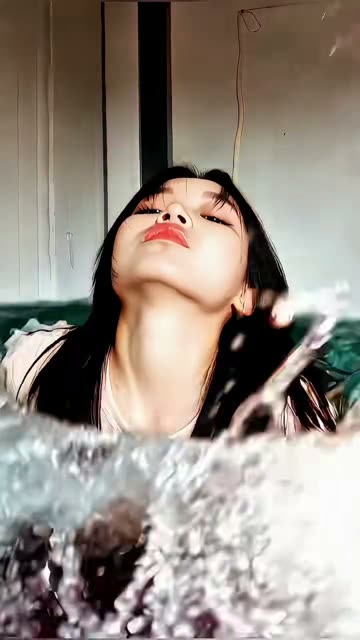 0:01
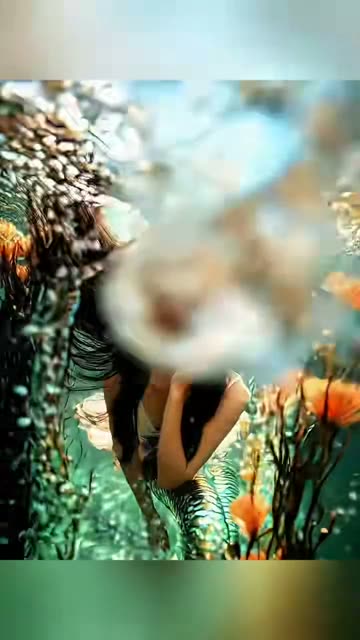 0:05
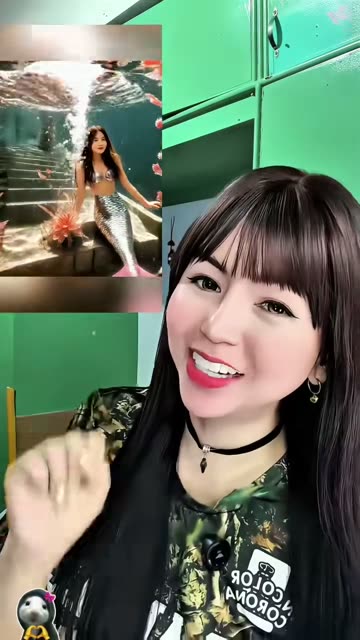 0:09
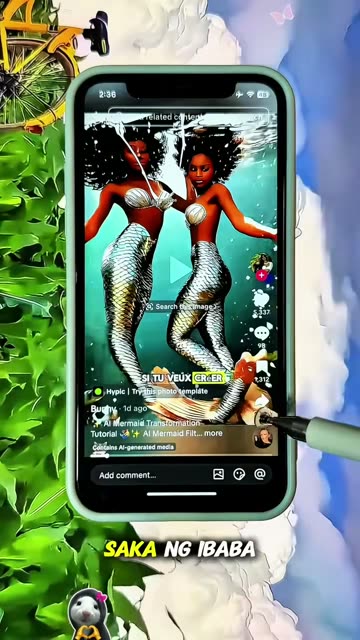 0:12
Make the still image
- 01
Choose a photo
Use one clear portrait of an adult you have permission to edit.
Open the image editor - 02
Review the edit prompt
The prompt is filled in for you. You can change its wording before you create the image.
Review the prompt - 03
Create and save
The image editor shows the 5-credit price before you submit. Your result is a still image, not a video.
Create your image
Where the idea came from
The linked TikTok tutorial by @user3577540320181 was published Nov 15, 2026. It demonstrates a one-photo mermaid portrait workflow.
This page uses that post as a current example, not as a verified first source for the wider style.
Why people share it
The edit places a familiar portrait in an underwater fantasy setting, with a mermaid tail completing the look.
It can work as a playful profile image or a seasonal fantasy portrait. The image is an AI edit, not a record of a real underwater photo shoot.
Get a cleaner edit
Use one adult portrait you have permission to edit. Keep the face visible. Review the prompt before you submit.
Avoid: Do not use a group photo. Do not request a named character design. Check the result before sharing.
The face looks different Use a clear portrait and keep the instruction to preserve the adult's recognizable features.
The tail is missing Keep the tail request in the prompt and review the result before saving.
The result looks too revealing Keep the prompt's fully covered outfit description and submit only if the result feels appropriate.
Photo trend questions
What is the Mermaid Portrait trend?
It is a still-image edit that gives one adult portrait underwater mermaid styling, including a visible tail.
How do I make a Mermaid Portrait AI photo?
Open the image editor from this page, add one adult portrait you have permission to edit, review the included prompt and submit the image edit.
Does this make a swimming video?
No. This page makes one still image. It does not create a swimming animation or a transition.
Who posted the linked tutorial?
The linked TikTok tutorial is by @user3577540320181 and was published Nov 15, 2026. We link to it above.
How much does one image edit cost?
The current image editor price is 5 credits per image edit. The editor shows the price before submission.
More AI photo edits
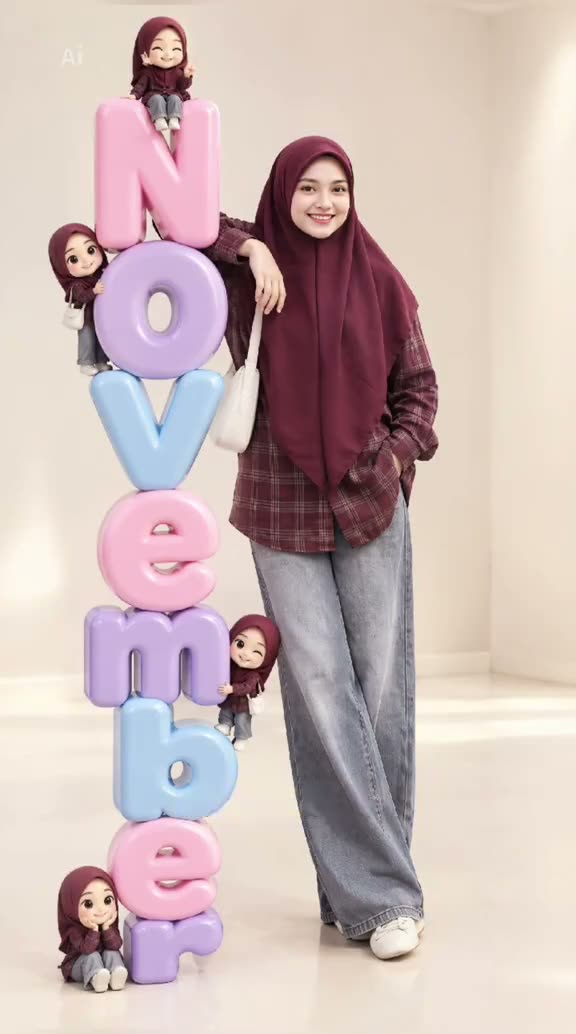 Photo trend3D Month Letters AI Photo TrendYour month, stacked in glossy balloon letters.5 credits · one photo
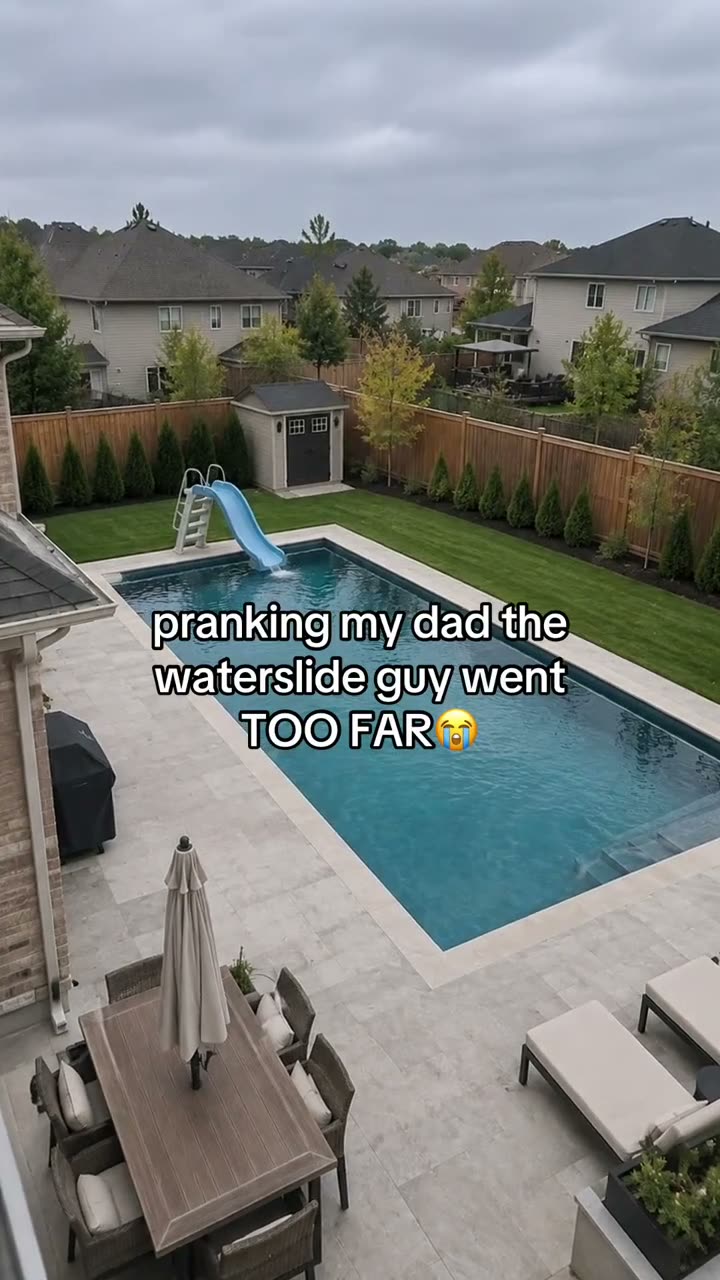 Photo trendAI Text Prank Photo EditMake the picture ridiculous. Write the message yourself.5 credits · one photo
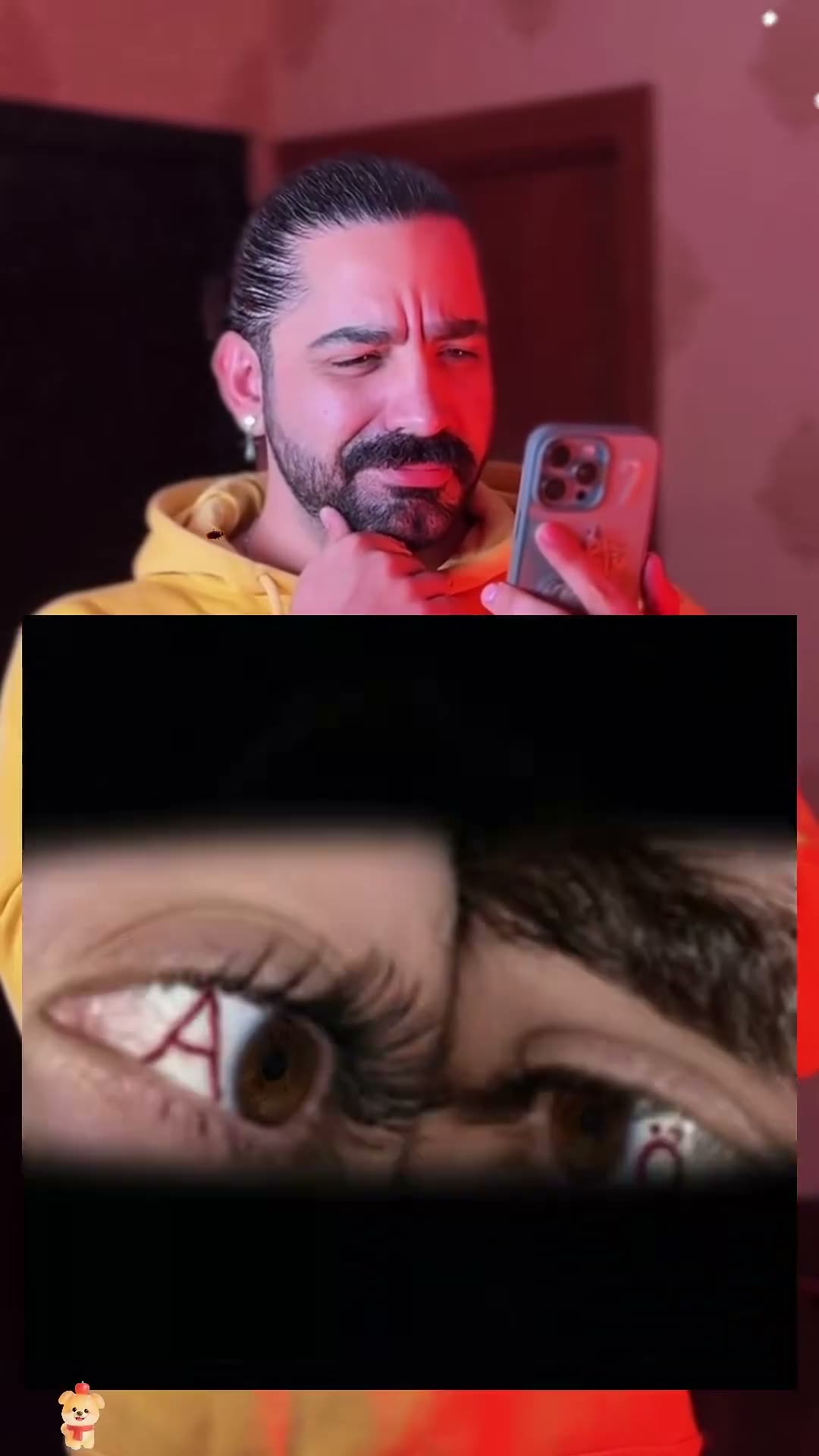 Photo trendCouple Eye Initials AI Photo TrendTwo eyes, two initials, one close-up.5 credits · two photos
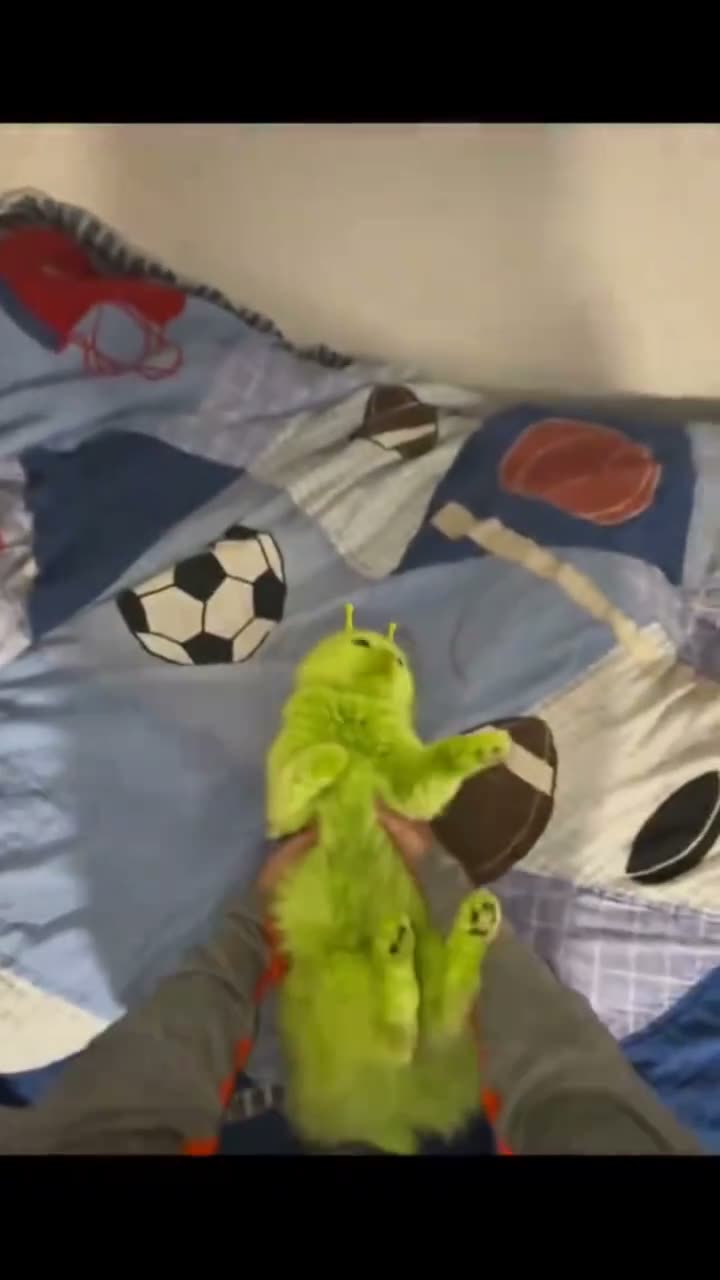 Photo trendGreen Alien Cat AI Photo TrendTry the fuzzy alien-cat look on your pet.5 credits · one photo
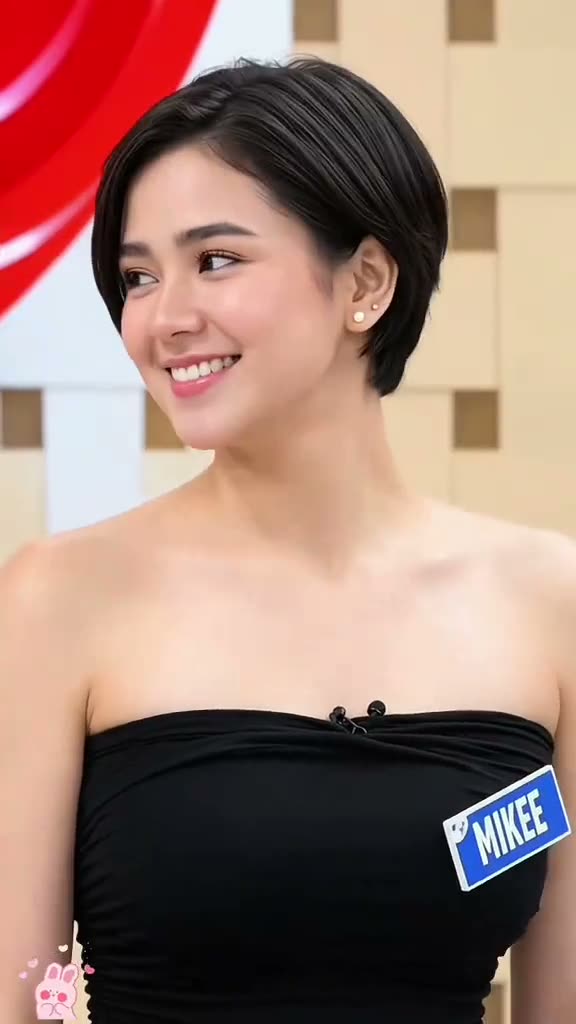 Photo trendPixie Haircut AI Filter Photo TrendPreview layered pixie hair from one portrait.5 credits · one photo
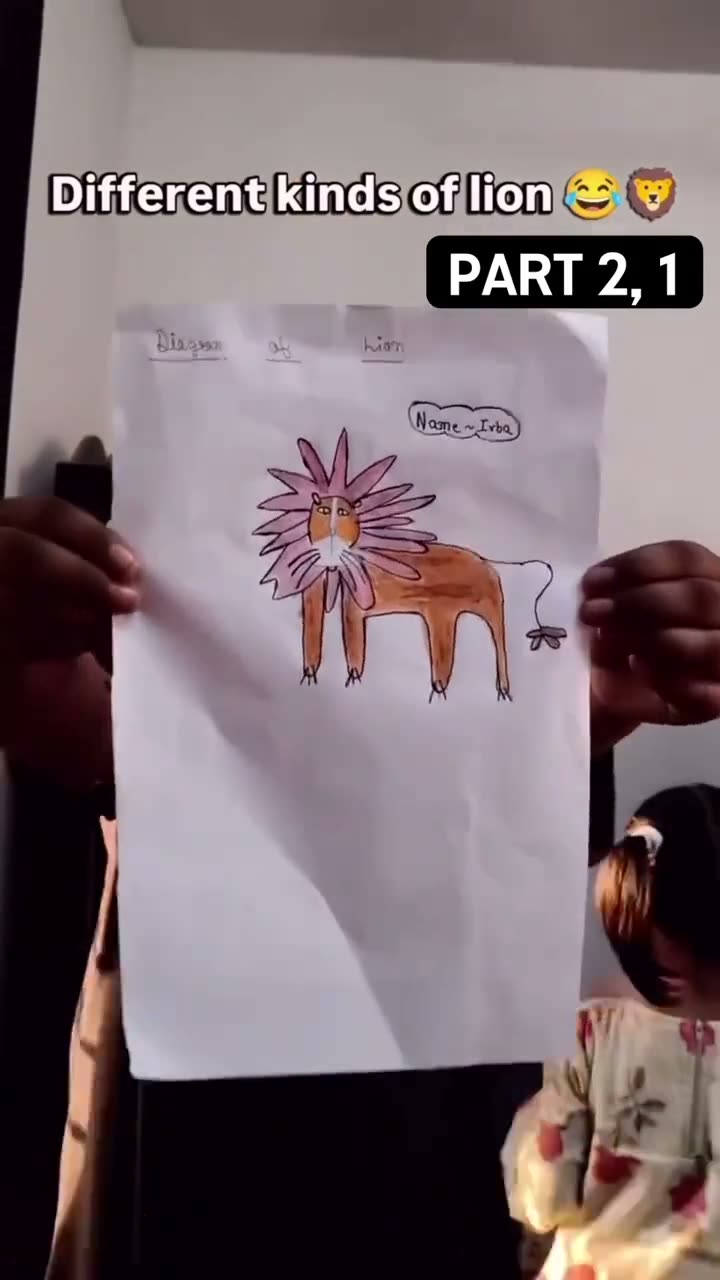 Photo trendKids Drawing to Life AI TrendTurn a hand-drawn idea into a still image.5 credits · one photo
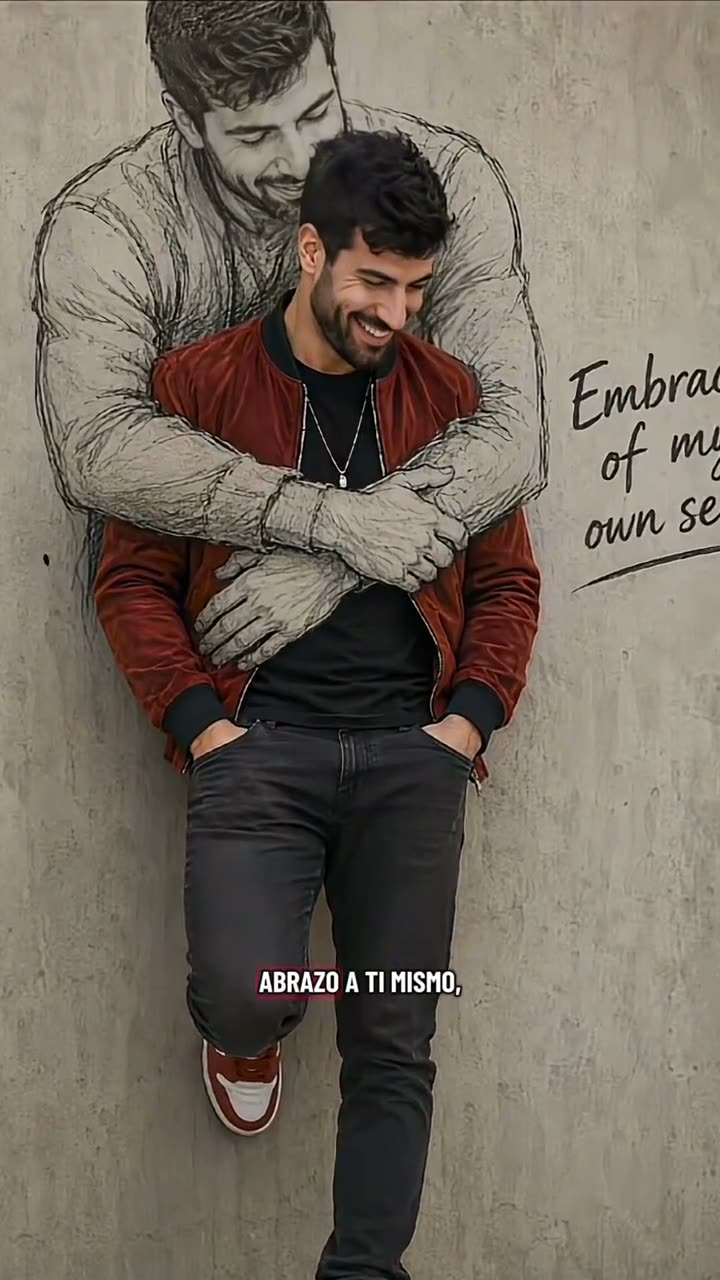 Photo trendSelf Hug Sketch AI Photo TrendA portrait beside its pencil sketch.5 credits · one photo
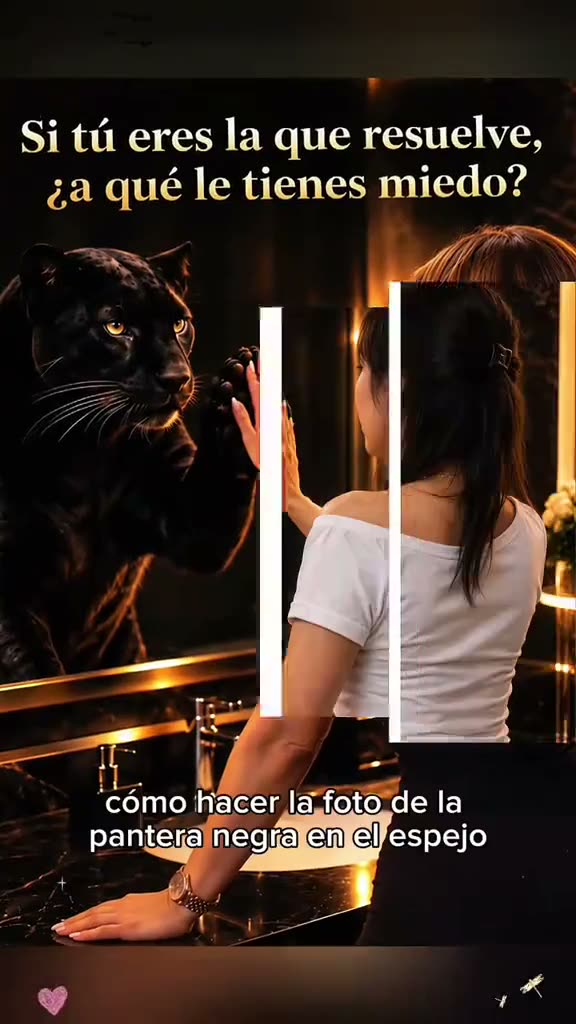 Photo trendMirror Panther AI Photo TrendMeet the panther on the other side of the mirror.5 credits · one photo
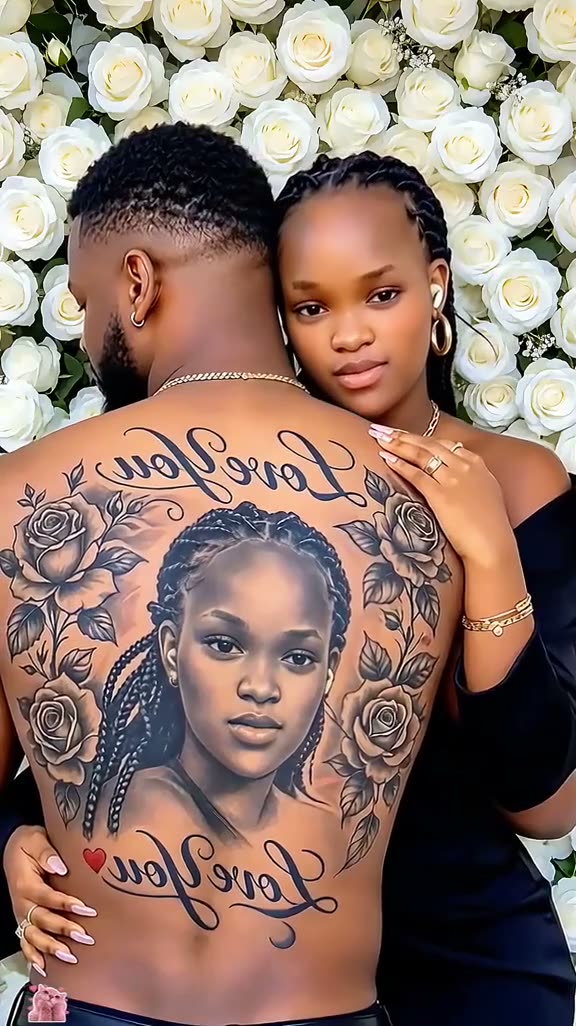 Photo trendCouple Back Tattoo AI Photo TrendA portrait becomes an imagined tattoo.5 credits · one photo
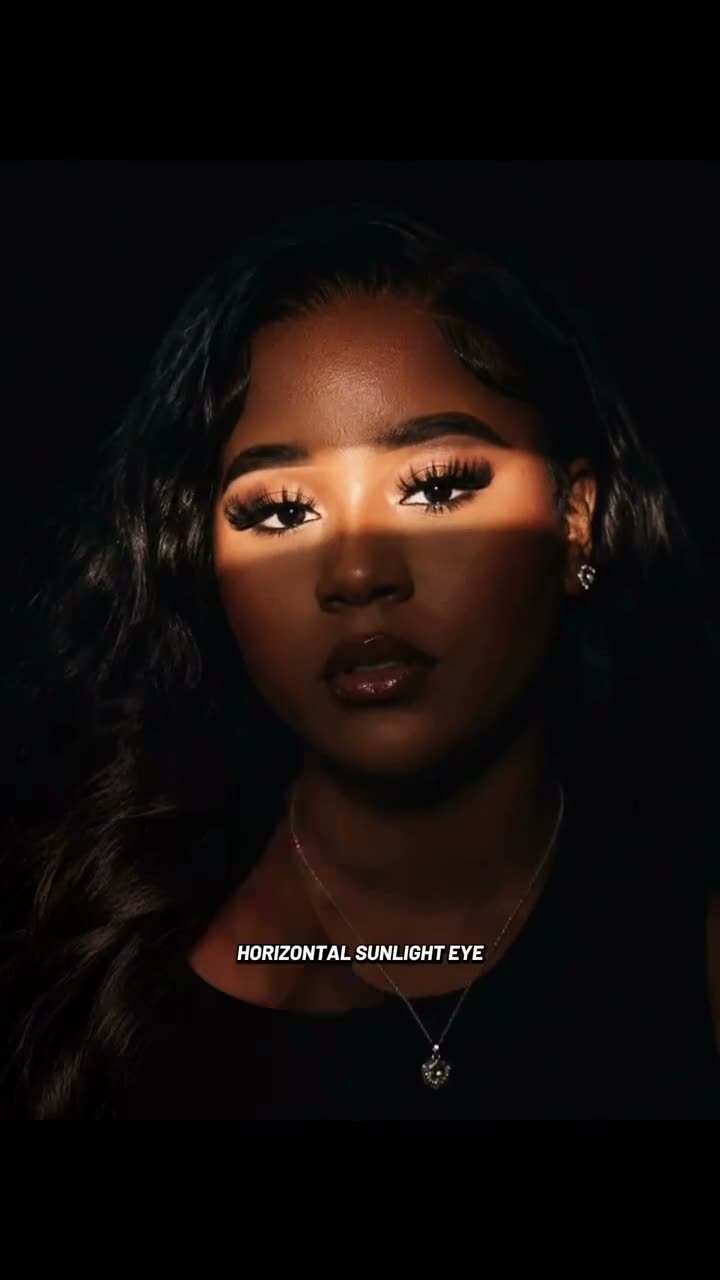 Photo trendSunlight Eye Portrait AI Photo TrendA strip of warm light, right across the eyes.5 credits · one photo
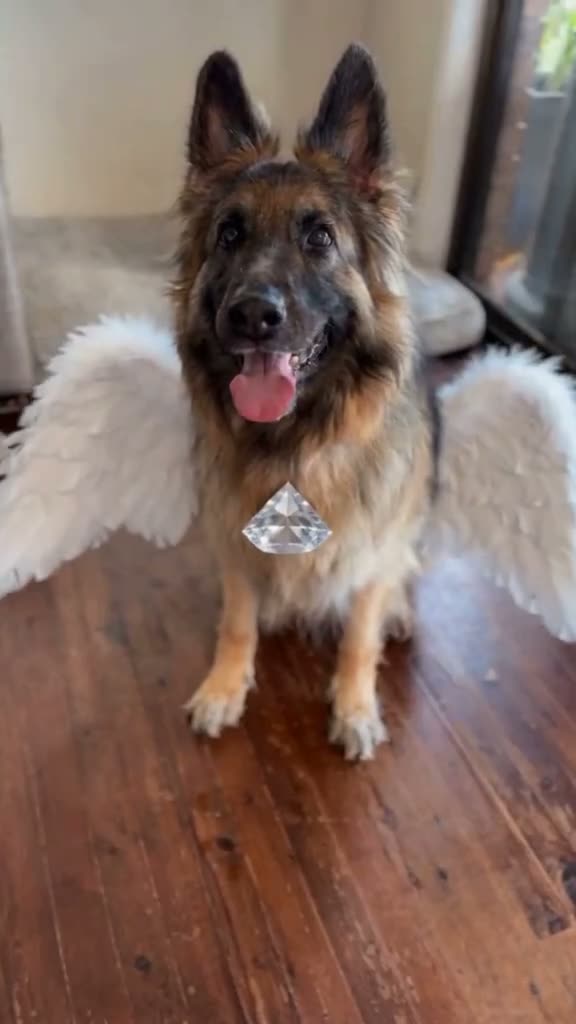 Photo trendAngel Of My Dreams AI Photo TrendA pet with soft white wings.5 credits · one photo
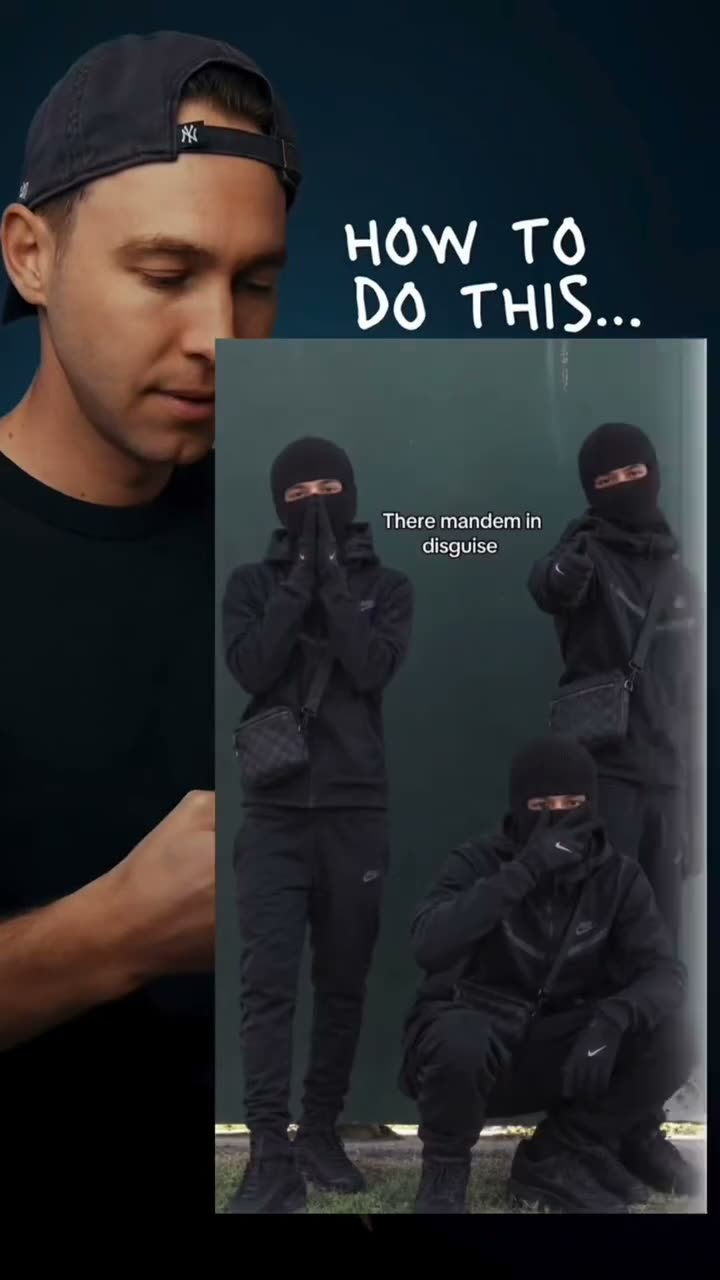 Photo trendMandem In Disguise AI Photo TrendOne group pose, one new disguise.5 credits · one photo
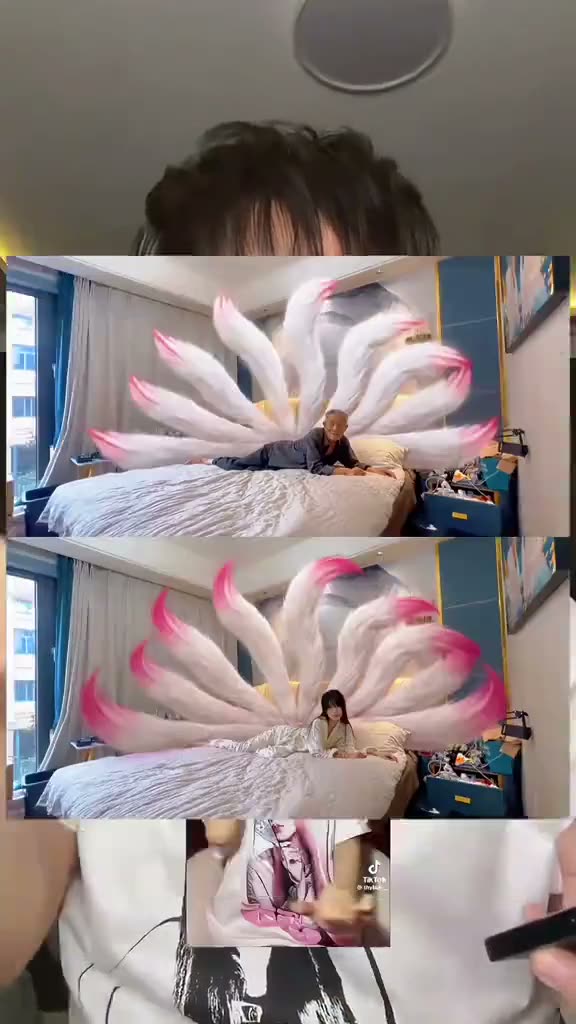 Photo trendNine Tailed Fox Portrait AI Photo TrendA familiar portrait gets a fan of soft fox tails.5 credits · one photo
 Photo trendThanksgiving Turkey Hat Portrait AI Photo TrendA paper hat and a holiday bird.5 credits · one photo
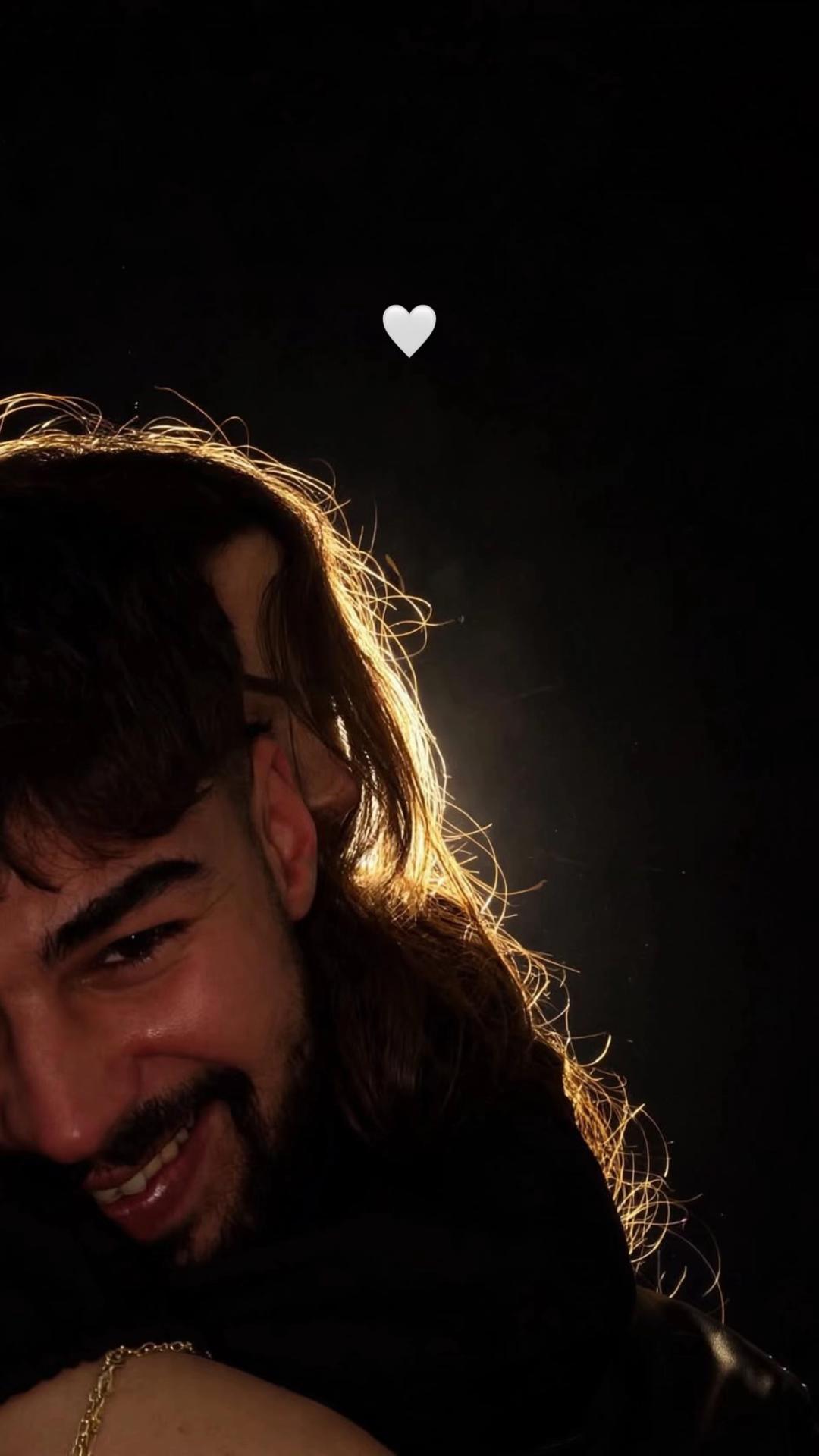 Photo trendFlash Couple Silhouette AI Photo TrendTwo faces in the dark, edged in light.5 credits · two photos
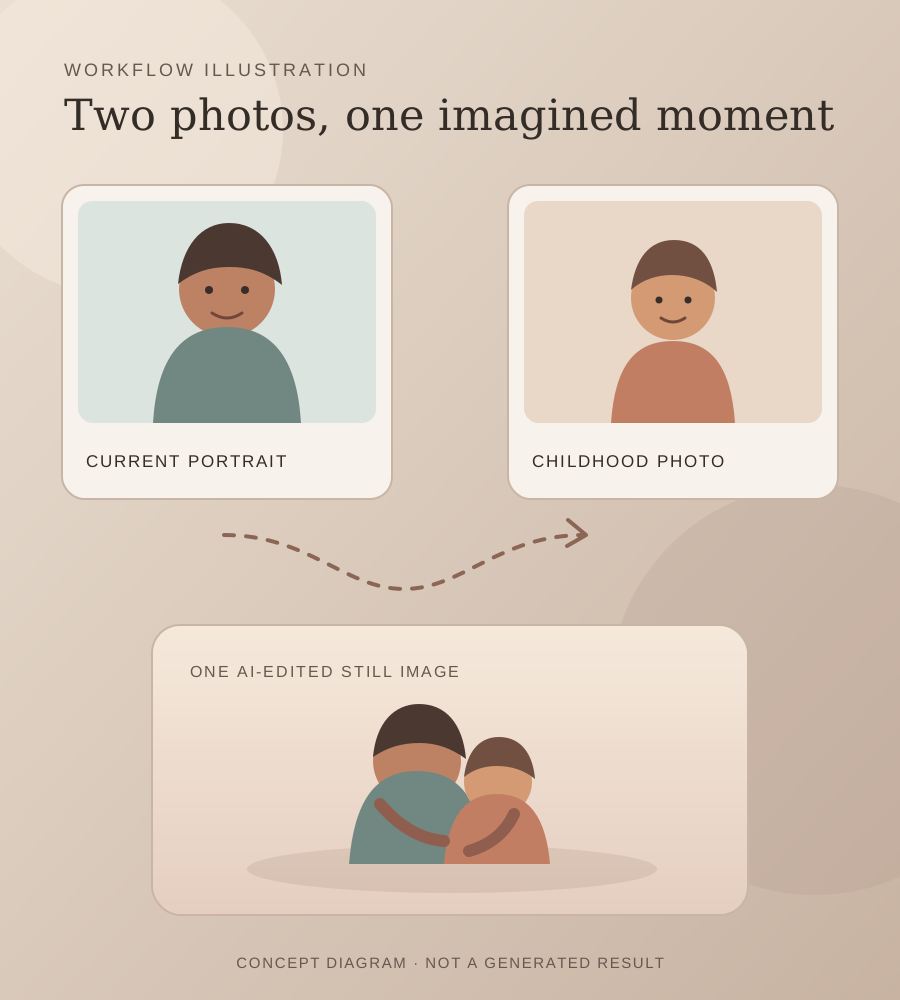 Photo trendHug Your Younger Self AI Photo TrendTwo ages of you, together in one imagined moment.5 credits · two photos
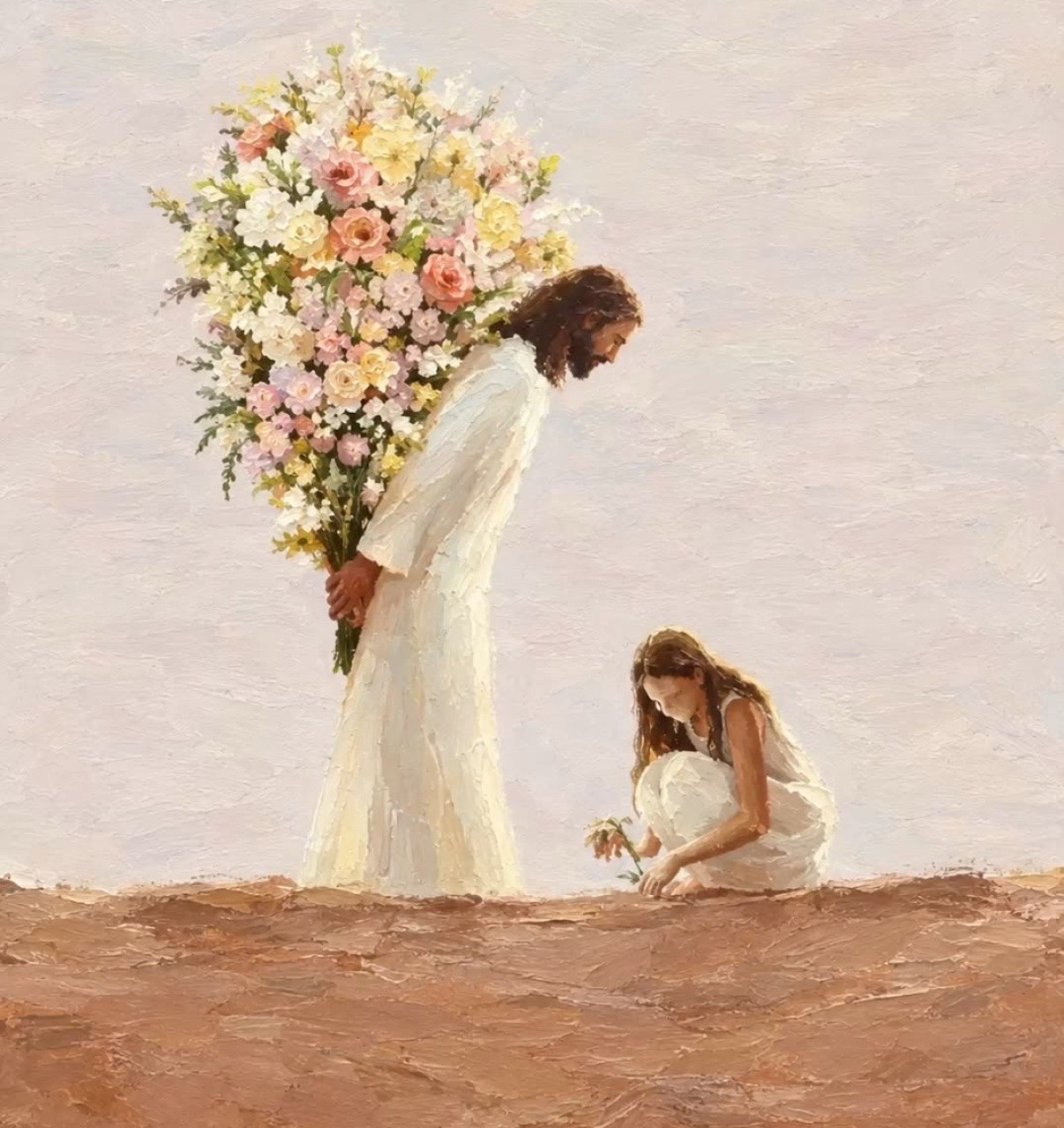 Photo trendMy Moon My Man Jesus AI Photo TrendA portrait, one flower and a bouquet.5 credits · one photo
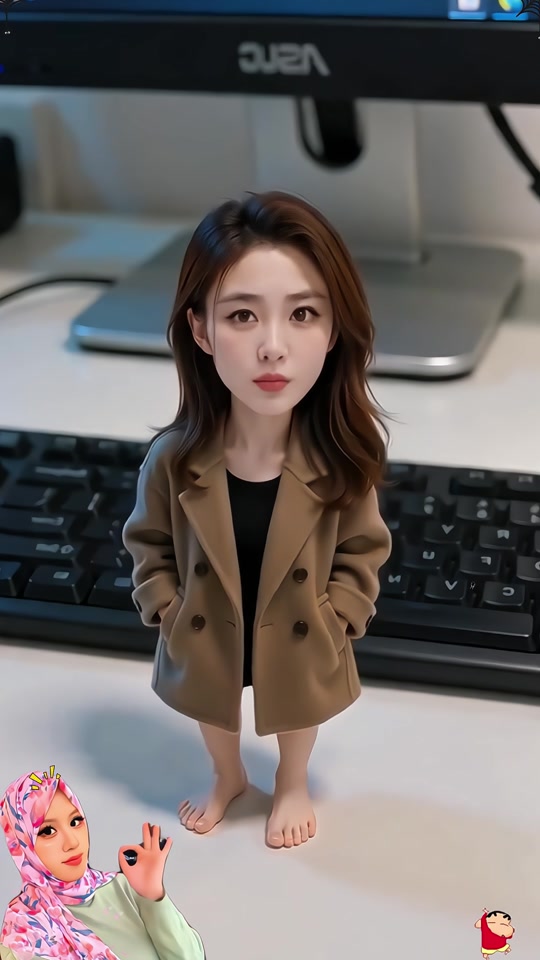 Photo trendChibi Office Figurine AI Photo TrendA little version of you at your desk.5 credits · one photo
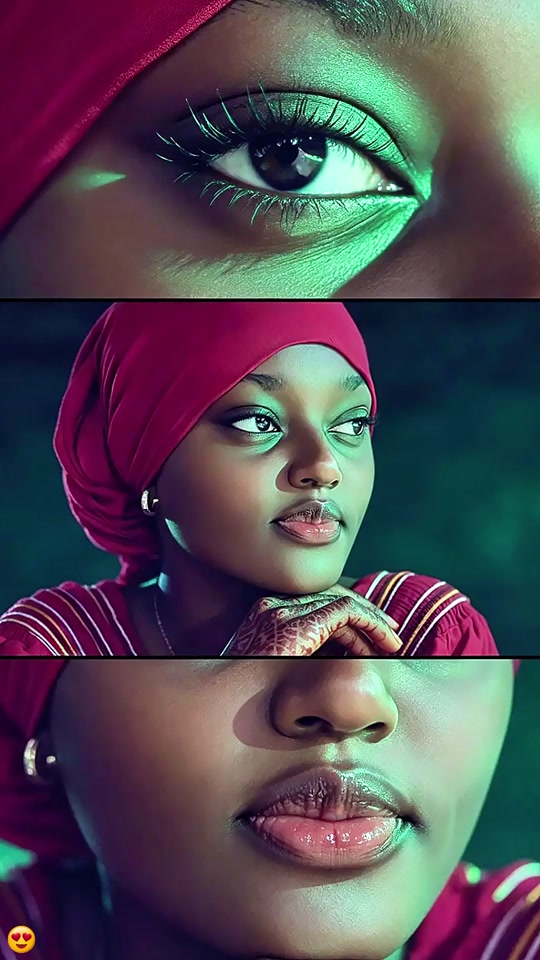 Photo trendThree Close Up Portrait AI Photo TrendOne face, three close views.5 credits · one photo
Try the Mermaid Portrait photo edit
One photo, one prompt and one AI-edited still image. 5 credits.
Edit your photo