New trendOriginal posted Nov 16, 2026
Inverted Hand Square Glitch AI Trend
A hand frame flips color inside.
AI Trend Club makes the Inverted Hand Glitch AI trend from one photo: a 5-second vertical video, usually ready in a few minutes, from $6.99, with a free preview first and no sign-up. This 5-second clip shows one adult opening a colored square between both hands. The face inside the frame turns inverted while the area outside stays natural, then the effect clears when the hands release. Add one clear portrait so your photo takes the demonstrator's place.
- 1 photo you add
- 5 s vertical clip
- 9:16 for TikTok, Reels, Shorts
- Original sound included
See yourself in the scene before you pay. No sign-up · the video is from $6.99, failed videos refund · see the maker first
See yourself in the scene before you pay. No sign-up · the video is from $6.99, failed videos refund · see the maker first
What the Inverted Hand Glitch video looks like
This is the original. Your photo replaces its lead, so your video follows the same shots with your face. No two runs come out exactly the same.
The original was posted by @webster.paisley on Nov 16, 2026. The hands open a colored frame in front of the face, then release it. Your photo takes the demonstrator's place while the hand gesture, square effect and timing stay in the scene. Watch the original post
Also calledhand square glitchinverted hand trendrainbow hand glitchfinger frame effect
CategoryMemes & pranks
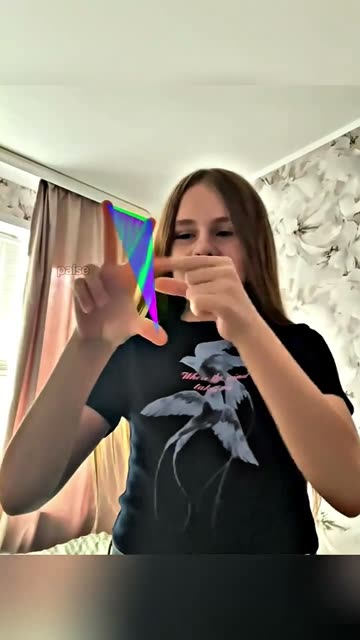 0:00
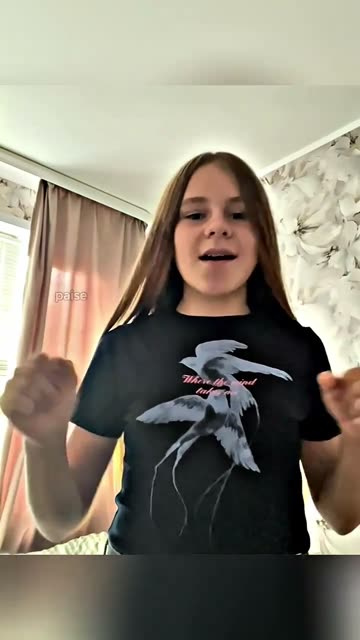 0:01
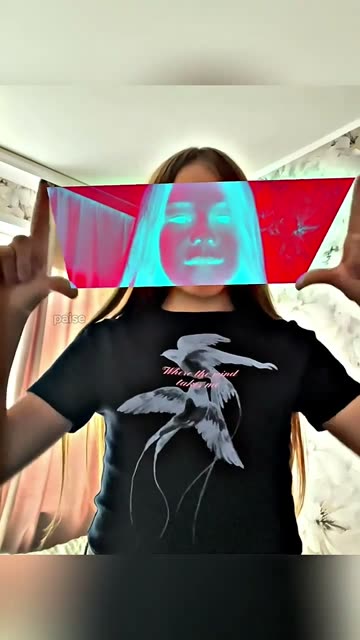 0:02
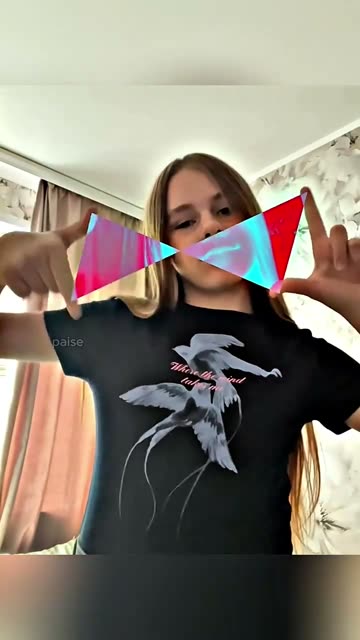 0:03
How to make the Inverted Hand Glitch video
- 01
Add your photo
The demonstrator: use a clear front-facing portrait.
Add your photo now - 02
Press Make my video
The button shows the price before anything is spent: 231 credits at 480p, 346 credits at 720p.
Open the maker - 03
Download and post
A vertical 9:16 MP4, with the trend’s sound or silent. Find it later in My videos.
Start your video
Which photo works best?
- Use a clear portrait facing the camera
- Keep your face visible and evenly lit
- Choose a photo with both sides of the face in view
Avoid
- Avoid a profile-only photo
- Do not cover your face with hands
- Avoid heavy color filters
What happens in your video
- 01
The demonstrator brings both hands in front of the face.
- 02
Colored strips stretch into a square between the hands.
- 03
The face inside the square turns inverted while the outside stays natural.
- 04
The hands release, and the colors return to normal.
Where the trend came from
The linked clip was posted by @webster.paisley on Nov 16, 2026. It shows a hand gesture that opens a colored square in front of the face.
The post showed 508K views when the source was checked on Nov 21, 2026. The selected excerpt stays with one demonstrator and the short hand-frame effect.
What it means
The hands create a border around the face, so the color change has a clear place to happen. Releasing the frame gives the effect a quick ending.
It works as a compact portrait effect for someone who wants a recognizable face with one visual change. The edit follows the source gesture and framing.
How much it costs
| Quality | Length | Credits | From |
|---|---|---|---|
| Standard · 480p | 5 s | 231 | $6.99 |
| HD · 720p | 5 s | 346 | $6.99 |
Credits come from a plan or a credit pack. The $6.99 Week pass (800 credits) covers one standard video. A video that fails gives its credits back. See plans
What goes wrong, and the fix
| If… | Do this |
|---|---|
| The square covers the wrong area | Use a centered portrait with your full face visible. |
| The hand frame looks uneven | Try a front-facing photo with clear edges around the face. |
| Colors change outside the frame | Review the result and retry with a clearer source portrait. |
| The render failed | Credits come back automatically. Try again with a clearer photo. |
Inverted Hand Glitch questions
What is the Inverted Hand Square Glitch trend?
It is a short portrait effect where a colored square opens between the hands and inverts the face inside it.
How do I make the Inverted Hand Glitch video?
Press Create your own, add one photo and tap Make my video. There is no prompt to write.
How much does it cost?
From $6.99: the $6.99 Week pass (800 credits) covers one standard video. 231 credits at standard quality (480p), 346 at HD (720p). The exact number is on the button before you spend anything, and a failed video gives its credits back.
Can I use a selfie?
Yes. Add one clear portrait with your face centered in the frame.
Who made the original?
@webster.paisley posted the linked clip on Nov 16, 2026. We link to it above.
Other AI video trends
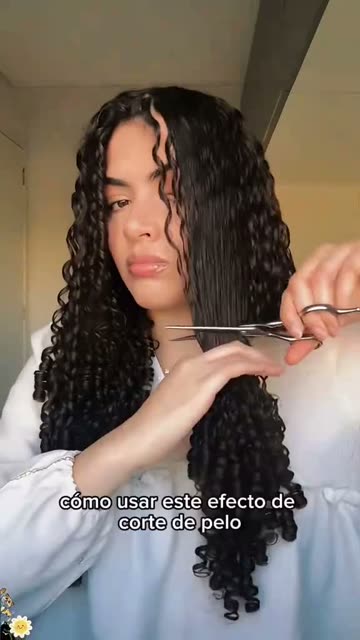 Original31K views on the originalBob Haircut Prank AI TrendTwo snips reveal a curly bob.Free preview · from $6.99 · 1 photo
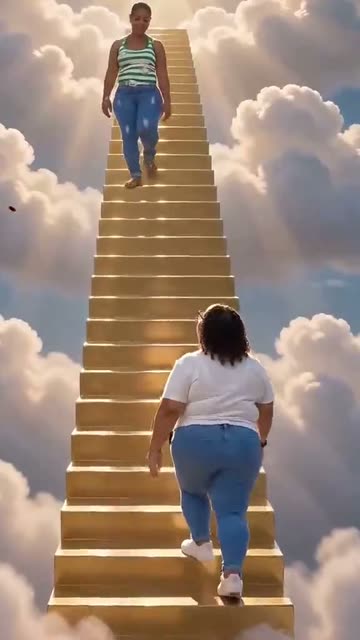 Original97K views on the originalHeaven Hug AI TrendMeet on a golden stairway.Free preview · from $6.99 · 2 photos
 Original4K views on the originalWYW My Sweetie Dance AI TrendDance through the full-body routine.Free preview · from $6.99 · 1 photoThe trend deskAll AI video trendsEvery trend traced to its original post.Browse
Make your own Inverted Hand Glitch video
Add one photo and tap once. No prompt to write. 231 credits.
Create your own