TrendingOriginal posted Sep 11, 2026
Glitch Makeup AI Video Trend
Paint, glitch, change.
AI Trend Club makes the Glitch Makeup AI trend from one photo: a 15-second vertical video, usually ready in a few minutes, from $6.99, with a free preview first and no sign-up. An adult creator paints bright green lines across the face before a hard cut reveals a silver-haired look with neon circuit-style makeup. The original vertical clip runs about 14 seconds. Add one clear adult face photo to take the lead’s place while the paint gestures, close framing and makeup change stay in the scene.
- 1 photo you add
- 15 s vertical clip
- 9:16 for TikTok, Reels, Shorts
- Silent clip, add your own sound
See yourself in the scene before you pay. No sign-up · the video is from $6.99, failed videos refund · see the maker first
See yourself in the scene before you pay. No sign-up · the video is from $6.99, failed videos refund · see the maker first
What the Glitch Makeup video looks like
This is the original. Your photo replaces its lead, so your video follows the same shots with your face. No two runs come out exactly the same.
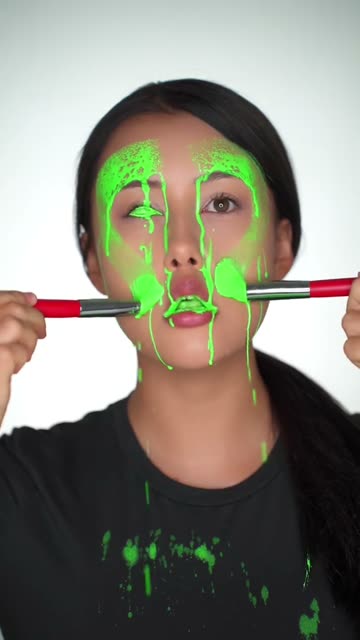
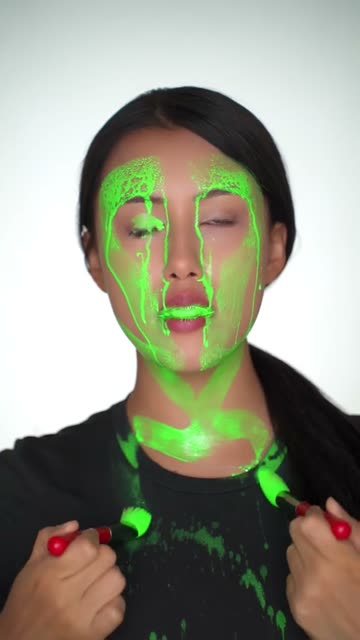
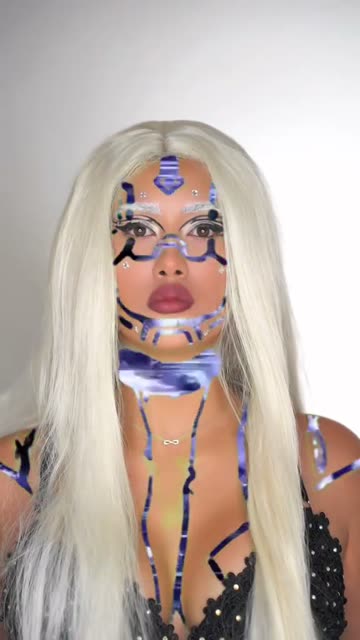
The linked TikTok clip by @noeminikita was posted on Sep 11, 2026. It shows green face paint followed by a silver-haired look with neon circuit-like makeup. Your photo takes the lead’s place while the paint gestures and cut stay. Watch the original post
Also calledglitch makeup aicyber makeup transitiongreen stripe circuit makeupglitch cyber makeup filter
CategoryMemes & pranks
 0:01
 0:05
 0:08
 0:12
How to make the Glitch Makeup video
- 01
Add your photo
The makeup creator: one clear, front-facing adult photo.
Add your photo now - 02
Press Make my video
The button shows the price before anything is spent: 692 credits at 480p, 990 credits at 720p.
Open the maker - 03
Download and post
A vertical 9:16 MP4, with the trend’s sound or silent. Find it later in My videos.
Start your video
Which photo works best?
- Use one clear front-facing adult photo
- Keep the face and eyes visible
- Choose even light on the face
Avoid
- Do not use a group photo
- Avoid hands or objects covering the face
- Do not expect every makeup line to match exactly
What happens in your video
- 01
The creator holds makeup brushes and paints bright green lines across the face.
- 02
More green marks appear as the camera stays close to the face.
- 03
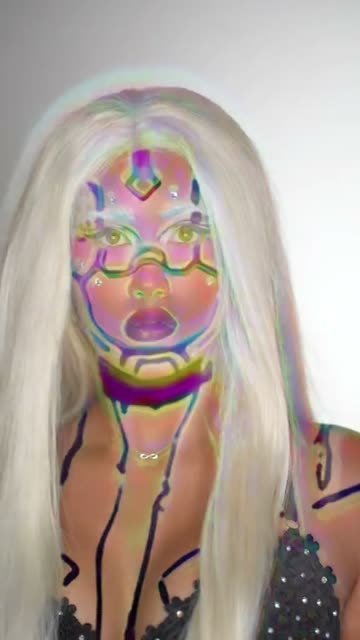
A hard cut shifts the look to a silver-haired version.
- 04
Neon circuit-style makeup completes the final portrait.
Where the trend came from
The linked TikTok post by @noeminikita was posted on Sep 11, 2026. It shows green face paint followed by a silver-haired look with circuit-style makeup.
This page credits the linked creator example and does not claim one person started the wider makeup style. The remake uses one adult photo for the lead.
What it means
The bright paint and sharp cut make the change easy to read. The final look turns a familiar makeup routine into a graphic cyber portrait.
It suits someone who wants to try a bold digital makeup style. The result is an AI video, not a real makeup application.
How much it costs
| Quality | Length | Credits | From |
|---|---|---|---|
| Standard · 480p | 15 s | 692 | $6.99 |
| HD · 720p | 15 s | 990 | $9.90 |
Credits come from a plan or a credit pack. The $6.99 Week pass (800 credits) covers one standard video. A video that fails gives its credits back. See plans
What goes wrong, and the fix
| If… | Do this |
|---|---|
| The face is hard to recognize | Use a clear adult portrait facing the camera. |
| The paint gesture is missing | Generated motion can vary; review the result before sharing. |
| The final makeup looks different | The edit may change small makeup details while keeping the overall transition. |
| The render failed | Credits come back automatically. Try again with a clearer photo. |
Glitch Makeup questions
What is the Glitch Makeup AI transition?
It is a short makeup change with bright green face paint, a hard cut and a silver-haired circuit-style look.
How do I make the Glitch Makeup video?
Press Create your own, add one clear adult face photo, choose a video option and start the generation. There is no prompt to write.
How much does it cost?
From $6.99: the $6.99 Week pass (800 credits) covers one standard video. 692 credits at standard quality (480p), 990 at HD (720p). The exact number is on the button before you spend anything, and a failed video gives its credits back.
Can I use a selfie?
Yes. Use one clear, front-facing adult photo with the face and eyes visible.
Who posted the linked example?
The linked TikTok clip is by @noeminikita and was posted on Sep 11, 2026. We link to it above.
Other AI video trends
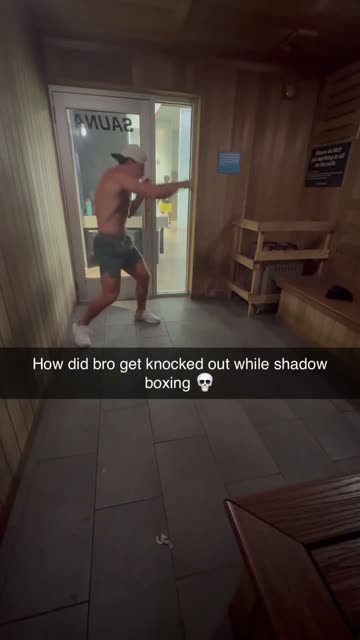 OriginalOriginal posted Aug 8, 2026Shadowboxing Knockout AI Video TrendA punchline with no opponent.From $6.99 · 1 photo
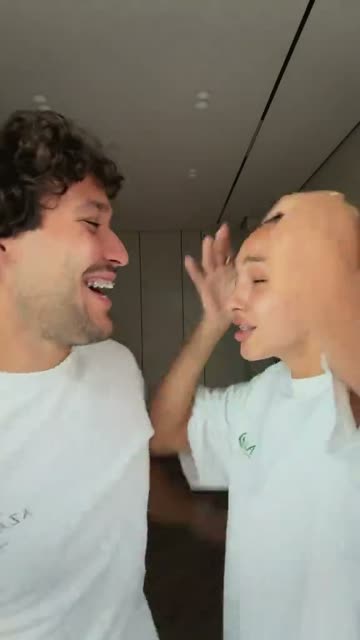 OriginalOriginal posted Jul 11, 2026You Rock My World AI Outfit TransitionA hand cut, then formalwear.Free preview · from $6.99 · 2 photos
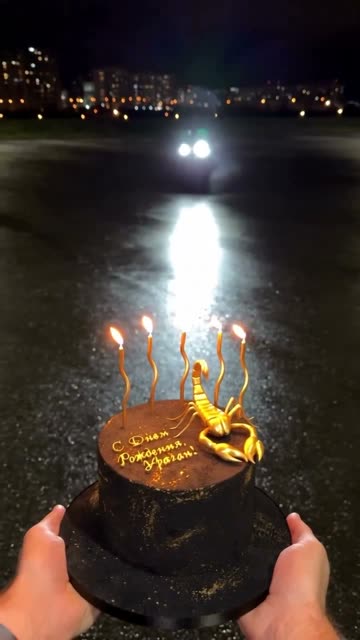 OriginalOriginal posted Oct 20, 2026Biker Birthday Cake AI VideoThe candles have company.From $6.99 · 1 photoThe trend deskAll AI video trendsEvery trend traced to its original post.Browse
Make your own Glitch Makeup video
Add one photo and tap once. No prompt to write. 692 credits.
Create your own