TrendingOriginal posted Oct 25, 2026
AI Concert Singing AI Trend
Take the stage in a short clip.
AI Trend Club makes the Concert Singing AI trend from one photo: a 5-second vertical video, from $6.99, with a free preview first and no sign-up. A solo performer holds a microphone under blue stage lights, then raises a free hand as the camera stays on the stage. Add one photo to play the performer in this 5-second vertical clip. The generated video is silent and does not promise synced singing or lyrics.
- 1 photo you add
- 5 s vertical clip
- 9:16 for TikTok, Reels, Shorts
- Original sound included
Free preview first, no sign-up · Ready in a few minutes · 231 credits, from $6.99 · failed videos refund their credits
One photo · free preview, no sign-up · ready in minutes · failed videos refund
What the Concert Singing video looks like
This is the original. Your photo replaces its lead, so your video follows the same shots with your face. No two runs come out exactly the same.
The short stage example appears at the start of a TikTok tutorial posted by @jimenjaiaef on October 25, 2026. Your photo takes the performer's place while the microphone, blue lights, and stage shot stay the same. Watch the original post
Also calledai concert singing videoai concert videostage singingstage singing ai effect
CategoryMemes & pranks
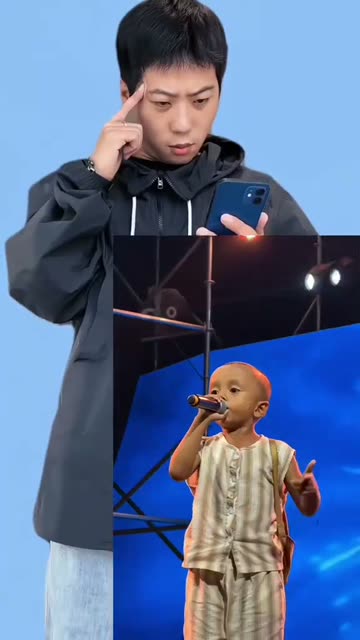 0:00
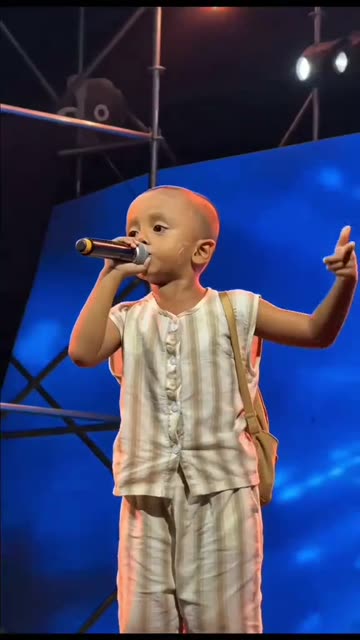 0:01
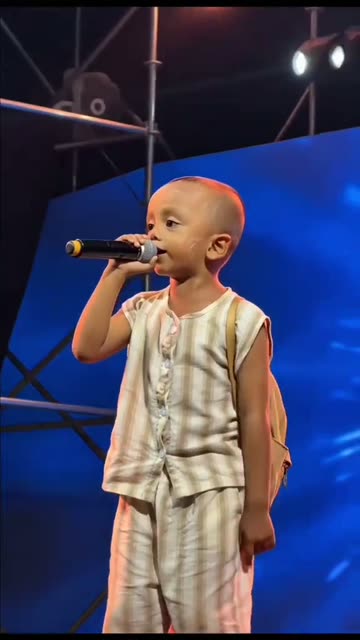 0:02
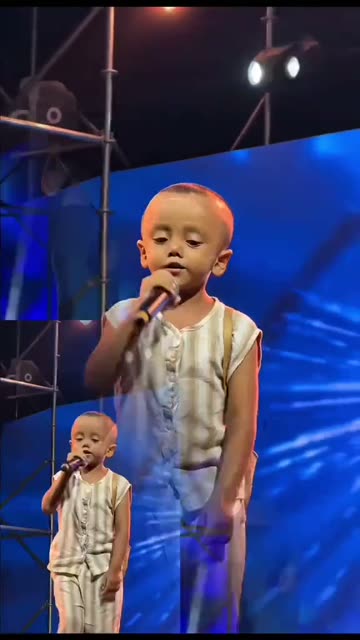 0:03
How to make the Concert Singing video
- 01
Add your photo
Stage performer: use a clear face photo.
Add your photo now - 02
Press Make my video
The button shows the price before anything is spent: 231 credits at 480p.
Open the maker - 03
Download and post
A vertical 9:16 MP4, with the trend’s sound or silent. Find it later in My videos.
Start your video
Which photo works best?
- Face the camera with even light
- Keep your face unobstructed
- Use a sharp portrait
Avoid
- A group in one photo
- Strong shadows across the face
- Sunglasses or face coverings
What happens in your video
- 01
A solo performer holds a microphone beneath blue stage lights.
- 02
The performer raises a free hand while staying at the microphone.
- 03
The short stage shot continues with the performer in view.
Where the trend came from
Creator @jimenjaiaef posted the stage tutorial on TikTok on October 25, 2026. The original post had 1.1M views and 55K likes when checked on November 16, 2026.
The selected reference is the opening 5-second solo stage shot. It shows a visual concert effect; this recipe does not promise synced singing or lyrics.
What it means
Stage lighting and a microphone create a quick performance scene from one portrait. People can use it to picture themselves in the spotlight.
The format suits a short visual transformation. The source is a tutorial, while this page focuses on the solo stage moment at its opening.
How much it costs
| Quality | Length | Credits |
|---|---|---|
| Standard · 480p | 5 s | 231 |
Credits come from a plan or a credit pack. The $6.99 Week pass (800 credits) covers one standard video. A video that fails gives its credits back. See plans
What goes wrong, and the fix
| If… | Do this |
|---|---|
| The performer does not look like your photo | Try a clear, front-facing image. |
| The microphone moves oddly | Use a photo with your full face visible. |
| The render failed | Credits come back automatically. Try again with a clearer photo. |
Concert Singing questions
What is the AI Concert Singing trend?
It is a short stage scene with a performer, microphone, and blue lighting. One photo takes the performer's role.
How do I make an AI Concert Singing video?
Open Create your own, add one photo, and tap Make my video. There is no prompt to write.
How much does it cost?
From $6.99: the $6.99 Week pass (800 credits) covers one standard video. 231 credits at standard quality (480p), 519 at HD (720p). The exact number is on the button before you spend anything, and a failed video gives its credits back.
Will the video sing my lyrics?
The recipe does not promise lyric lip sync. The video generation is silent; you can choose a sound option when downloading.
Who made the original?
Creator @jimenjaiaef posted the tutorial on TikTok on October 25, 2026. We link to it above.
Other AI video trends
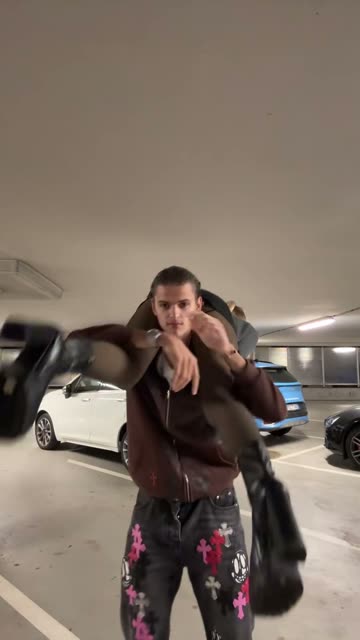 Original803K views on the originalRollie On My Wrist AI TrendA shoulder carry turns into a reveal.461 credits · 2 photos
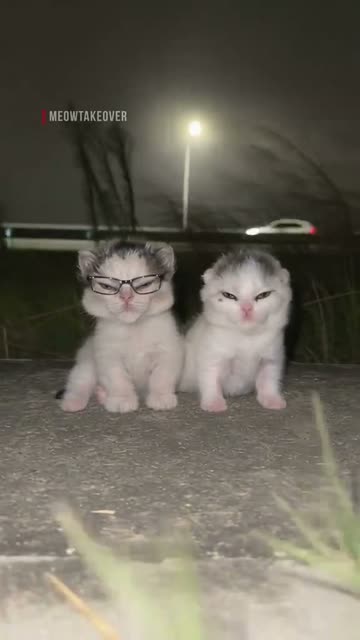 Original2.6M views on the originalCat Mogging AI TrendA smug look between two cats.692 credits · 1 photo
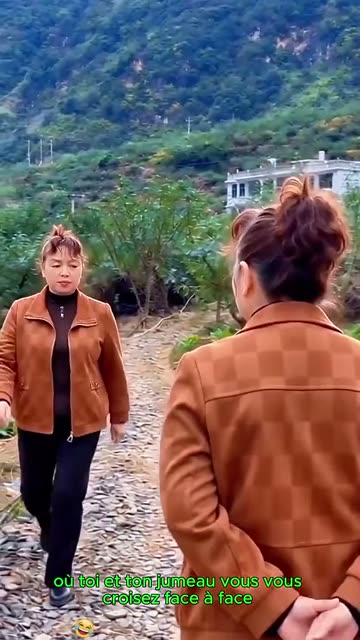 Original1M views on the originalTwin Crossover AI TrendMeet your own double on the path.231 credits · 1 photoThe trend deskAll AI video trendsEvery trend traced to its original post.Browse
Make your own Concert Singing video
Add one photo and tap once. No prompt to write. 231 credits.
Create your own