Animate Old Photos
Animate old photos with AI
Add a scan or a phone photo of an old print and get a 5-second video where the people in it blink, smile and turn toward each other. The black-and-white or faded colors, the grain and the faces stay as they are.
Before and after
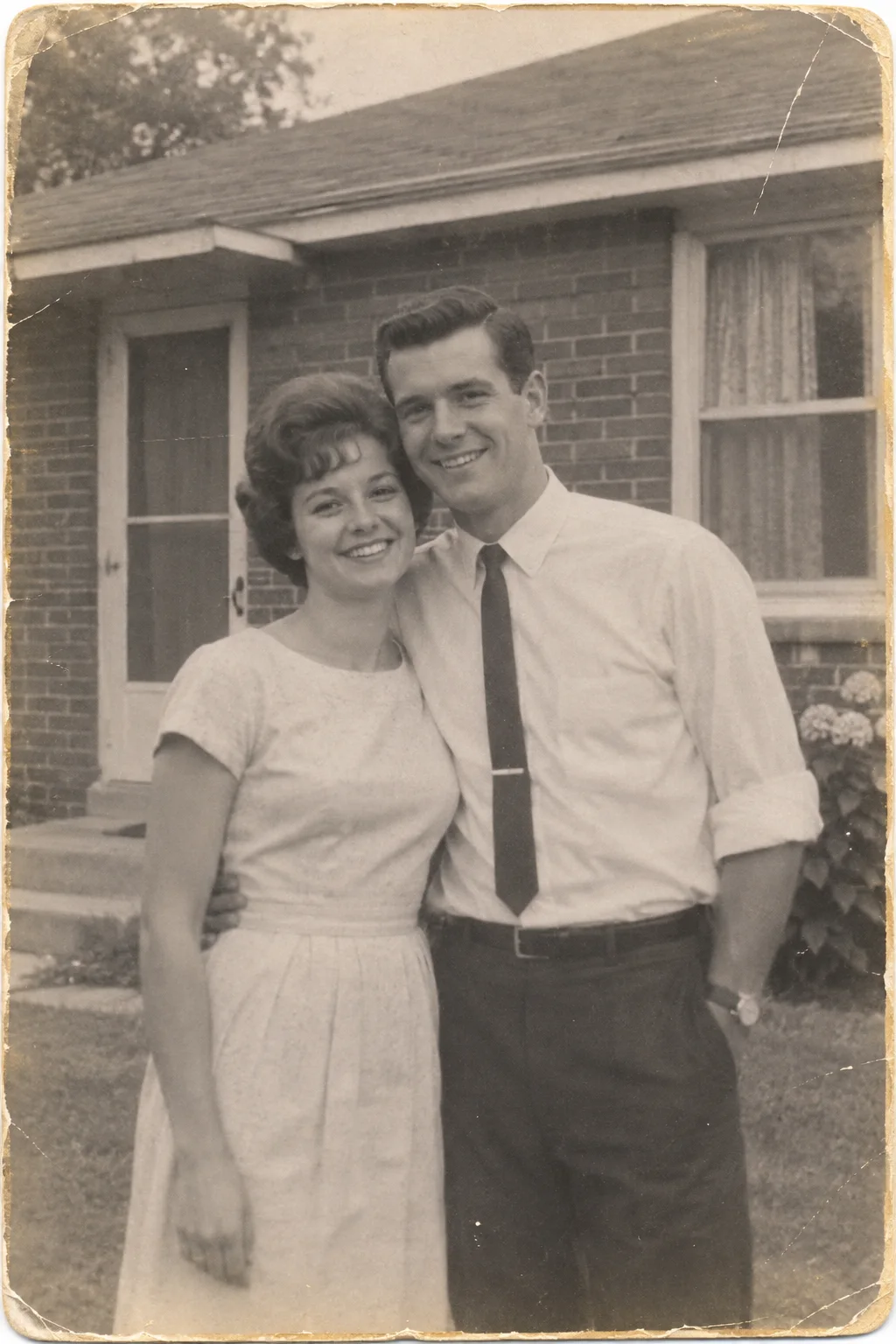
Your photo, moving.
Failed render? Your credits come back automatically.
How to animate an old photo
- 01
Add the old photo
A flat scan works best. A phone photo of the print is fine too: shoot it straight on, without glare.
- 02
Press Make it move
The button shows the price first: 37 credits for 5 seconds at 480p.
- 03
Keep it
A vertical 9:16 MP4 with sound. Find it later in My videos.
Questions
Is it free?
Not for video. New accounts get 25 free credits, which cover a few images but not a video: one 5-second video uses 37 credits.
How much does it cost?
37 credits for a 5-second video. Credit packs start at 1,000 credits for $9.90, enough for 27 videos, and a failed video gives its credits back automatically.
Will it add color?
No. The video keeps the black-and-white or faded colors of your photo, so it still looks like the original print.
What if the photo has more than two people?
It works with groups too, but small faces in a big group move less clearly. Close portraits give the best result.
Does the video have sound?
Yes. The model adds a soft background sound that fits the scene. You can swap it for your own music when you post.
What happens to my photo?
Uploads are deleted after 7 days; finished videos stay downloadable for 30 days. To make the video, your photo and the motion instructions are sent to APIMart and the model providers behind it.